Sync new WeCom customer contacts to your CRM
Every Monday, WebRun opens WeCom, reviews external contacts and customer groups added over the past week, logs each new contact with their tag into Airtable, and creates a matching Notion account page for anyone who looks like a new business account, so no WeCom contact sits untracked outside the chat.
- No credit card
- Under $0.01 per run
- Cancel anytime
How do I track new WeCom external contacts in my CRM?
WebRun reviews WeCom's External Contacts every Monday for people and groups added over the past week, logs each new contact and their tag into Airtable, and creates a Notion account page for anyone tagged as a business contact. Reaching out to a new contact stays a manual step for the account owner.
- New WeCom contacts get logged automatically every week
- Business accounts get a CRM record without manual entry
- No external contact stays untracked outside the chat
Built for Sales teams selling in China · account managers · ecommerce operators · B2B teams
What does WebRun do on every run?
The exact actions WebRun takes, in order - in plain language, so you can adjust anything.
-
WebRun signs in and gets to work
Opens
work.weixin.qq.comin a real browser with your saved login - no setup, no API keys. -
1
WeCom - find new external contacts
work.weixin.qq.com
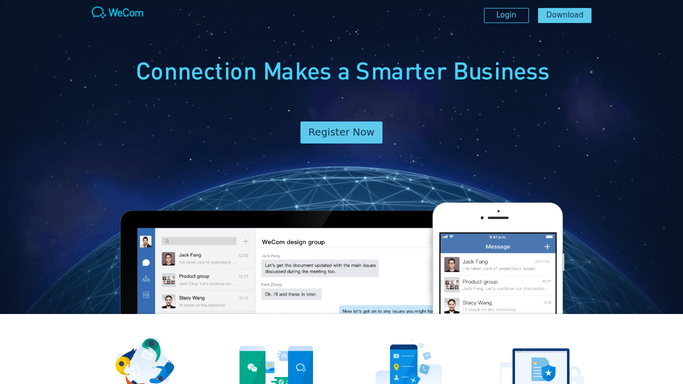
WebRun opens WeCom to find new external contacts. - Open WeCom and go to External Contacts
- Find contacts and group members added in the past week
- Note each contact's tag and how they were added
Done when Every new external contact from the week is captured.
-
2
Airtable - log each contact and tag
airtable.com How to Automate Airtable

WebRun opens Airtable to log each contact and tag. - Open the customer contacts base
- Add a row for each new contact with their tag
- Skip anyone already logged from a prior run
Done when Every new contact is logged in Airtable.
-
3
Notion - create the account page
notion.so How to Automate Notion

WebRun opens Notion to create the account page. - For contacts tagged as a business account, create a Notion account page
- Fill in the contact details and how they were added
- Leave outreach and messaging to the account owner
Done when Every new business account has a Notion page.
How is each run configured?
Secure by default
Connect once, stays signed in
WebRun signs in once and keeps each session in a persistent environment, so every run picks up right where it left off.
Every action is checked against this policy before it runs.
Questions, answered
Does WebRun message new WeCom contacts?
No. It only logs who was added and creates a record. Reaching out to a new contact stays a manual step for the account owner.
How does it decide a contact is a business account?
It reads the tag already applied to the contact in WeCom. Only contacts tagged as a business account get a Notion page created.
What if a contact was already logged before?
WebRun checks the Airtable base first and skips anyone already logged, so the sync doesn't create duplicate records.
Related templates
Put this on autopilot.
Turn it on in minutes - or have our team set it up for you.