Respond to every new repair lead before a competitor does
The moment a new lead submits a repair inquiry, WebRun reads the details, drafts a personalized reply email in Gmail, and pings your service advisor in Slack with the lead's info so a human can review the draft and respond within minutes while the prospect is still engaged.
- No credit card
- Under $0.01 per run
- Cancel anytime
How do I automatically respond to new truck repair leads as fast as possible?
The moment a new repair inquiry arrives in Fullbay, WebRun drafts a personalized reply email in Gmail and alerts your service advisor in Slack within minutes. The advisor reviews the draft and sends it with one click, so every lead gets a prompt, professional response while competitors are still waiting to check their inbox.
- New leads get a personalized reply within minutes, not hours
- Service advisors are alerted instantly so no inquiry is missed
- Large-fleet prospects are flagged for priority follow-up automatically
Built for truck repair shop owners · service advisors · fleet repair sales teams · heavy-duty repair centers
What does WebRun do on every run?
The exact actions WebRun takes, in order - in plain language, so you can adjust anything.
-
WebRun signs in and gets to work
Opens
app.fullbay.comin a real browser with your saved login - no setup, no API keys. -
1
Fullbay - capture new customer inquiry
fullbay.com How to Automate Fullbay
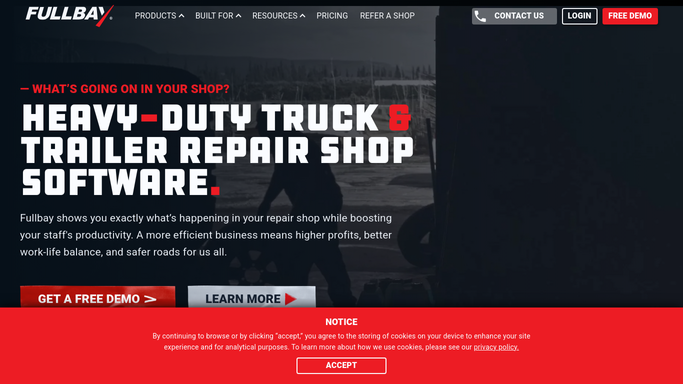
WebRun opens Fullbay to capture new customer inquiry. - Detect when a new customer or lead is added to Fullbay from a web form or integration
- Capture the contact name, business name, phone number, email, fleet size if provided, and description of the repair need
- Check whether the contact already exists in Fullbay to avoid treating returning customers as new leads
Done when The new lead's details are captured and confirmed as a new contact.
-
2
Gmail - draft personalized reply
gmail.com How to Automate Gmail

WebRun opens Gmail to draft personalized reply. - Draft a personalized reply email acknowledging the inquiry and referencing the specific repair or service mentioned
- Include your shop's availability, a prompt to call or schedule, and the service advisor's contact details
- Save the email as a draft for the service advisor to review and send
Done when A personalized draft reply is ready in Gmail for the service advisor to approve and send.
-
3
Slack - alert service advisor immediately
slack.com How to Automate Slack

WebRun opens Slack to alert service advisor immediately. - Post an immediate alert to the service advisor channel with the lead's name, business, and repair request
- Include a note that a draft reply is waiting in Gmail for review
- Flag the lead's fleet size if captured, so large-fleet prospects get priority attention
Done when The service advisor is alerted in Slack and knows a draft reply is ready to approve.
How is each run configured?
Secure by default
Connect once, stays signed in
WebRun signs in once and keeps each session in a persistent environment, so every run picks up right where it left off.
Every action is checked against this policy before it runs.
Questions, answered
Will it reply to the lead automatically without anyone reviewing the message?
No. The reply is saved as a Gmail draft and the service advisor gets a Slack alert to review it. The lead receives a response only after a human approves and sends the email.
How fast will the service advisor be notified?
The Slack alert fires within minutes of the new inquiry landing in Fullbay. The draft reply is ready at the same time, so the advisor can respond while the prospect is still engaged.
What if the lead is from a returning fleet customer?
It checks Fullbay for an existing record. If the contact is already a customer, it adjusts the draft tone accordingly and flags the advisor that this is a returning account.
Related templates
Put this on autopilot.
Turn it on in minutes - or have our team set it up for you.