Get finished tools in front of the customer for buyoff faster
Every morning, WebRun opens TSTracker, finds tools that moved to the ready for buyoff stage after a passing tryout, prepares the customer approval packet in DocuSign and leaves it staged for a team member to send, and alerts the assigned PM in Slack so no finished tool waits on paperwork.
- No credit card
- Under $0.01 per run
- Cancel anytime
How do I speed up sending customer buyoff requests once a tool passes tryout?
WebRun checks TSTracker every morning for tools that moved to the ready for buyoff stage after a passing tryout. It prepares the customer approval packet in DocuSign, staged and unsent for a team member to send, and alerts the assigned PM in Slack, so a finished tool never sits waiting on paperwork that no one noticed was ready.
- Finished tools stop waiting on someone to remember the paperwork
- Buyoff packets are staged and ready the same morning a tool clears tryout
- Requests sitting too long get flagged before they slip further
Built for tool and die shops · mold shop project managers · die shop account managers · tooling program managers
What does WebRun do on every run?
The exact actions WebRun takes, in order - in plain language, so you can adjust anything.
-
WebRun signs in and gets to work
Opens
tst-software.comin a real browser with your saved login - no setup, no API keys. -
1
TSTracker - find tools ready for buyoff
tst-software.com How to Automate TSTracker
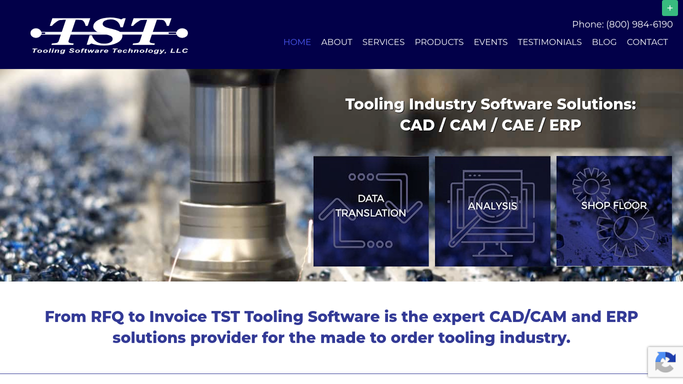
WebRun opens TSTracker to find tools ready for buyoff. - Open TSTracker and check for tools that moved to the ready for buyoff stage since the last run
- Confirm the tryout or sample results attached to the tool show a pass
- Capture the customer contact and assigned PM for each tool
Done when Every tool newly ready for buyoff is listed with its passing result and customer contact.
-
2
DocuSign - prepare the customer approval packet
docusign.com How to Automate DocuSign

WebRun opens DocuSign to prepare the customer approval packet. - Open DocuSign and prepare the buyoff approval packet using your standard template for the tool and customer
- Attach the relevant tryout or sample results referenced in TSTracker
- Leave the envelope staged, unsent, for a team member to review and send
Done when A staged, unsent DocuSign buyoff packet exists for every tool ready for buyoff.
-
3
Slack - alert the assigned PM
slack.com How to Automate Slack

WebRun opens Slack to alert the assigned PM. - Post a Slack alert to the assigned PM naming the tool and customer now ready for buyoff
- Note that a DocuSign packet is staged and waiting on their review
- Flag any tool that's been sitting ready for buyoff longer than your shop's usual turnaround
Done when The assigned PM has been alerted for every tool ready for buyoff.
How is each run configured?
Secure by default
Connect once, stays signed in
WebRun signs in once and keeps each session in a persistent environment, so every run picks up right where it left off.
Every action is checked against this policy before it runs.
Questions, answered
Will it send the buyoff request to the customer without approval?
No. WebRun only stages the approval packet as an unsent DocuSign envelope. A team member reviews it and decides when to actually send it to the customer.
How does it know a tool is really ready for buyoff?
It checks that the tool's tryout or sample results are recorded as a pass in TSTracker before staging anything, so a packet is never prepared for a tool that hasn't actually cleared tryout.
What if a buyoff request sits too long without being sent?
It re-checks the ready for buyoff list every morning and flags any tool whose staged packet has been waiting longer than your shop's usual turnaround, so it doesn't get lost in someone's inbox.
Related templates
Put this on autopilot.
Turn it on in minutes - or have our team set it up for you.