Catch overdue tasks before the sprint slips
Every morning, WebRun opens Taskade, checks active projects for tasks past their due date, logs each overdue task with its assignee and days late to a Google Sheet, and updates a Notion status page so the team sees what has slipped without opening every project.
- No credit card
- Under $0.01 per run
- Cancel anytime
How do I find overdue tasks across my Taskade projects?
WebRun checks Taskade every morning for tasks past their due date, logs each one with its assignee and days late to a Google Sheet, and updates a Notion status page the whole team can see. Overdue work becomes visible in one place the same day it slips, instead of surfacing only when a sprint review runs long.
- Overdue tasks are visible the same day they slip
- The team gets one status page instead of checking every project
- Tasks overdue more than 5 days get flagged as high priority
Built for Project managers · team leads · operations teams · remote and distributed teams
What does WebRun do on every run?
The exact actions WebRun takes, in order - in plain language, so you can adjust anything.
-
WebRun signs in and gets to work
Opens
taskade.comin a real browser with your saved login - no setup, no API keys. -
1
Taskade - check projects for overdue tasks
taskade.com
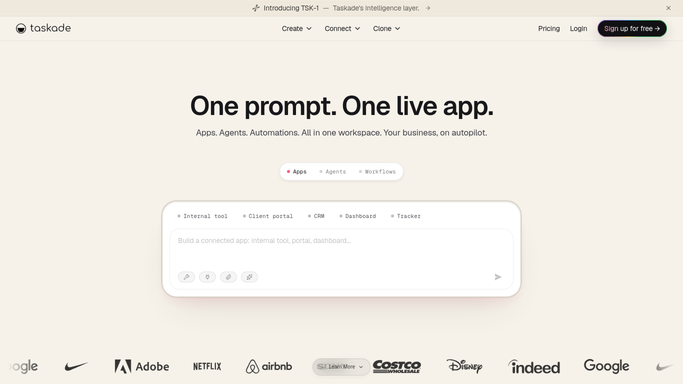
WebRun opens Taskade to check projects for overdue tasks. - Open Taskade and check active projects for tasks past their due date
- Note the task, assignee, and how many days overdue
- Skip tasks already marked complete
Done when Every overdue task is listed with its assignee and days late.
-
2
Google Sheets - log each overdue task
google.com How to Automate Google Sheets

WebRun opens Google Sheets to log each overdue task. - Open the overdue tasks tracker
- Add or update a row for each overdue task
- Remove rows for tasks that have since been completed
Done when The sheet reflects every currently overdue task.
-
3
Notion - update the status page
notion.so How to Automate Notion

WebRun opens Notion to update the status page. - Open the team status page in Notion
- Update the overdue count and list by project
- Flag any task overdue more than 5 days as high priority
Done when The Notion status page reflects today's overdue tasks.
How is each run configured?
Secure by default
Connect once, stays signed in
WebRun signs in once and keeps each session in a persistent environment, so every run picks up right where it left off.
Every action is checked against this policy before it runs.
Questions, answered
Will it reassign or close overdue tasks?
No. WebRun only reports which tasks are overdue and by how long. Reassigning, rescheduling, or closing a task is left to your team.
Does it message the assignee directly?
No. It logs overdue tasks in Google Sheets and Notion for the team to review, rather than messaging anyone on its own.
What counts as high priority?
Any task overdue by more than 5 days. It stays flagged on the Notion status page until it is completed or its due date is updated.
Related templates
Put this on autopilot.
Turn it on in minutes - or have our team set it up for you.