Triage negative box reviews before they go unanswered
Every morning, WebRun checks your review channels for new low-rated reviews about your subscription box, collects the reviewer name, rating, and comment, and sends a triage alert to your Telegram group so your team can respond before the day is out.
- No credit card
- Under $0.01 per run
- Cancel anytime
How can I get alerted to negative subscription box reviews every morning?
Every morning, WebRun scans Subbly for customer complaints and low-satisfaction feedback logged since the previous run, then sends a triage alert to your Telegram group with the customer name, order number, and full comment. No reply is posted automatically. Your team sees every negative signal the morning it appears and can respond the same day.
- Every negative review surfaces to the team the morning it appears
- No complaint goes unanswered past the same day
- All-clear messages confirm the check ran even when no issues are found
Built for subscription box customer support teams · subscription brand managers · e-commerce reputation managers
What does WebRun do on every run?
The exact actions WebRun takes, in order - in plain language, so you can adjust anything.
-
WebRun signs in and gets to work
Opens
subbly.co/managein a real browser with your saved login - no setup, no API keys. -
1
Subbly - read customer orders and identify complainants
subbly.co How to Automate Subbly
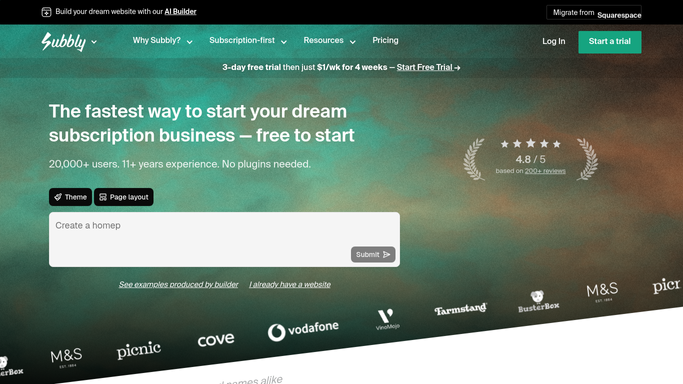
WebRun opens Subbly to read customer orders and identify complainants. - Open Subbly and check the customer feedback or support notes logged since the previous run
- Identify any orders tagged with complaints, low satisfaction scores, or cancellation reasons citing product quality
- Collect the customer name, order number, box name, and the feedback text for each flagged record
Done when All negative feedback recorded in Subbly since the last run has been collected.
-
2
Telegram - send triage alerts to the team
telegram.org How to Automate Telegram

WebRun opens Telegram to send triage alerts to the team. - Send a Telegram message to the configured group for each piece of negative feedback
- Include the customer name, order number, rating or tag, and the exact comment
- If no negative feedback was found, send a brief all-clear message
Done when Every triage alert has been delivered to the Telegram group with all relevant details.
How is each run configured?
Secure by default
Connect once, stays signed in
WebRun signs in once and keeps each session in a persistent environment, so every run picks up right where it left off.
Every action is checked against this policy before it runs.
Questions, answered
Will it post replies to reviewers automatically?
No. WebRun only sends an internal triage alert to your Telegram group. Responding to reviewers or customers is a human step, so you control the tone and content of every reply.
What counts as a negative review?
You define the threshold during setup, for example any feedback tagged as a complaint or any satisfaction score below three stars. WebRun only flags what matches your criteria.
What if there are no new negative reviews today?
WebRun sends a short all-clear message to the Telegram group so your team knows the check ran and nothing was flagged.
Related templates
Put this on autopilot.
Turn it on in minutes - or have our team set it up for you.