Prep every SquadCast guest session for you
Every morning, WebRun opens SquadCast, checks guest recording sessions scheduled in the next 3 days, logs each guest's confirmation status to Airtable, and updates your Notion episode outline to show who's confirmed.
- No credit card
- Under $0.01 per run
- Cancel anytime
How do I track guest confirmations for upcoming SquadCast sessions?
WebRun checks SquadCast every morning for guest recording sessions scheduled in the next three days, capturing each guest's confirmation status. It logs every session to Airtable and updates your Notion episode outline to show who's confirmed, flagging any guest who hasn't responded within 24 hours of recording, so a session never starts without knowing who's actually showing up.
- No session starts without knowing who's confirmed
- Unconfirmed guests get flagged with time to follow up
- The episode outline always matches what's actually scheduled
Built for podcast hosts · podcast producers · interview shows · podcast networks
What does WebRun do on every run?
The exact actions WebRun takes, in order - in plain language, so you can adjust anything.
-
WebRun signs in and gets to work
Opens
squadcast.fmin a real browser with your saved login - no setup, no API keys. -
1
SquadCast - check upcoming sessions
squadcast.fm
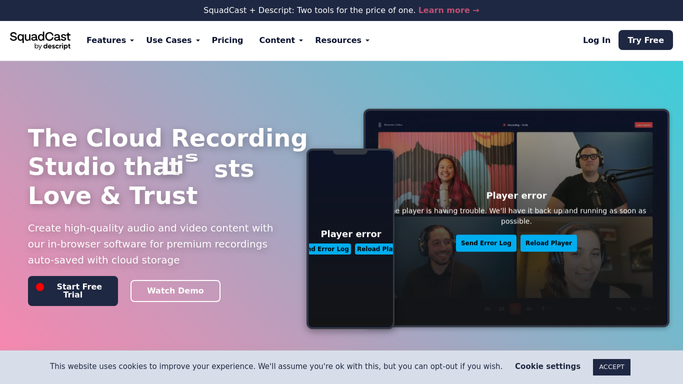
WebRun opens SquadCast to check upcoming sessions. - Open SquadCast and list recording sessions scheduled in the next 3 days
- Capture each guest's name, email, and confirmed time
- Note any invite still pending a response
Done when Every upcoming session has its guest confirmation status recorded.
-
2
Airtable - log guest details
airtable.com How to Automate Airtable

WebRun opens Airtable to log guest details. - Add or update a row per guest with session date and confirmation status
- Flag guests who haven't confirmed within 24 hours of the session
- Skip guests already logged with no change
Done when The Airtable guest tracker reflects every upcoming session.
-
3
Notion - update the episode outline
notion.so How to Automate Notion

WebRun opens Notion to update the episode outline. - Update the episode outline with the confirmed guest and session time
- Note any session still missing a confirmed guest
- Leave outreach to unconfirmed guests to your producer
Done when The Notion episode outline matches SquadCast's confirmed sessions.
How is each run configured?
Secure by default
Connect once, stays signed in
WebRun signs in once and keeps each session in a persistent environment, so every run picks up right where it left off.
Every action is checked against this policy before it runs.
Questions, answered
Does it invite or message guests itself?
No. WebRun only reads confirmation status from SquadCast. Reaching out to an unconfirmed guest is left to your producer.
What if a guest cancels?
The next check picks up the change and updates both Airtable and the Notion outline to match.
How soon before a session does it flag an unconfirmed guest?
Inside 24 hours of the scheduled recording time, so there's still a window to follow up.
Related templates
Put this on autopilot.
Turn it on in minutes - or have our team set it up for you.