Alert your team before speech therapy authorizations run dry
Every morning, WebRun opens WebPT, reviews each active speech therapy authorization, counts remaining approved visits against scheduled appointments, and posts a ranked alert list to Slack so your team can request renewals before sessions are interrupted.
- No credit card
- Under $0.01 per run
- Cancel anytime
How do I get alerted when speech therapy authorizations are about to run out?
WebRun checks every active speech therapy authorization in WebPT each morning, calculates remaining approved visits, and posts a ranked burn-rate alert to Slack. Your team sees which patients are closest to their authorization limit before sessions are interrupted, with enough lead time to request renewals from payers.
- Authorization renewals are requested before patients hit their visit limit
- Staff see a ranked alert list in Slack every morning with no manual checking
- Recently renewed authorizations are automatically cleared from the list
Built for speech-language pathologists · SLP practice managers · rehab therapy clinics · outpatient therapy practices
What does WebRun do on every run?
The exact actions WebRun takes, in order - in plain language, so you can adjust anything.
-
WebRun signs in and gets to work
Opens
www.webpt.com/loginin a real browser with your saved login - no setup, no API keys. -
1
WebPT - review active authorizations and visit counts
webpt.com How to Automate WebPT
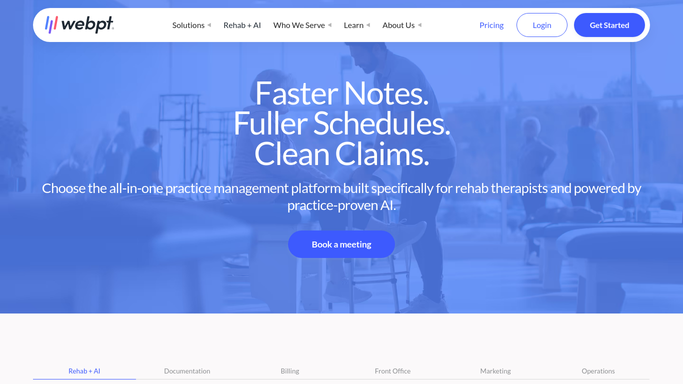
WebRun opens WebPT to review active authorizations and visit counts. - Open WebPT and navigate to the authorization management view
- Pull all active speech therapy authorizations with approved visit counts
- Calculate remaining visits by subtracting used visits from authorized total
- Flag any authorization with fewer than 5 visits remaining or expiring within 14 days
- Rank flagged authorizations by urgency (fewest visits remaining first)
Done when Every active authorization has been checked and flagged items are ranked by urgency.
-
2
Slack - post ranked burn-rate alert list
slack.com How to Automate Slack

WebRun opens Slack to post ranked burn-rate alert list. - Post the ranked list of at-risk authorizations to your designated Slack channel
- Include patient initials, payer, remaining visits, and expiry date for each
- Highlight any authorization already at zero remaining visits
Done when Your team has a prioritized alert list in Slack showing every at-risk authorization.
How is each run configured?
Secure by default
Connect once, stays signed in
WebRun signs in once and keeps each session in a persistent environment, so every run picks up right where it left off.
Every action is checked against this policy before it runs.
Questions, answered
Will it contact patients or payers automatically?
No. WebRun only posts an internal Slack digest to your team. Any authorization renewal requests to payers must be initiated by your staff.
How does it decide which authorizations are most urgent?
It ranks by fewest remaining visits first, then by expiry date, so the most time-sensitive cases always appear at the top of the Slack list.
What if a patient's authorization was recently renewed?
WebRun reads live authorization data from WebPT on each run, so renewed authorizations are automatically reflected and removed from the alert list.
Related templates
Put this on autopilot.
Turn it on in minutes - or have our team set it up for you.