Route sales tax return drafts for approval before filing
Every Monday, WebRun opens Avalara Returns, reads the prepared draft returns ready for filing, compiles a review summary per state into a Google Sheet, routes each return to the assigned approver in Slack with the key figures, and queues a DocuSign approval request for returns above your dollar threshold for formal sign-off before any return is filed.
- No credit card
- Under $0.01 per run
- Cancel anytime
How do I route sales tax returns for approval before filing?
WebRun reads every prepared return draft in Avalara each Monday, logs them in a Google Sheets approval tracker, and routes each to the assigned approver in Slack with the key figures and a link. High-value returns also get a DocuSign approval envelope. No return is filed until a human approver has signed off.
- No return is filed without an explicit human sign-off
- Approvers get a Slack notification with all the details they need, not a manual email chain
- High-value returns get a formal DocuSign audit trail for compliance records
Built for tax compliance managers · finance controllers · accounting firms filing on behalf of clients · multistate e-commerce businesses
What does WebRun do on every run?
The exact actions WebRun takes, in order - in plain language, so you can adjust anything.
-
WebRun signs in and gets to work
Opens
app.avalara.comin a real browser with your saved login - no setup, no API keys. -
1
Avalara - read prepared return drafts
avalara.com How to Automate Avalara
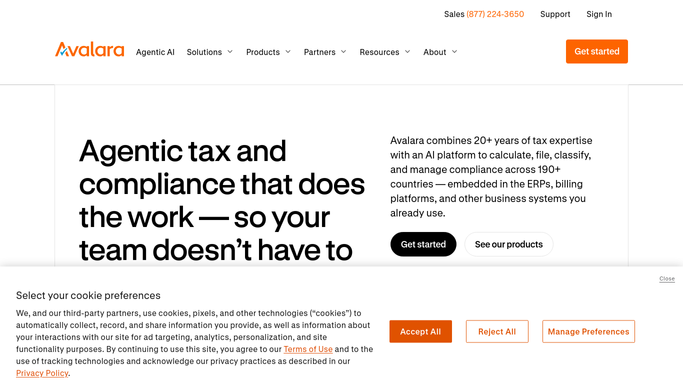
WebRun opens Avalara to read prepared return drafts. - Open Avalara Returns and navigate to the returns queue
- Filter for returns in Prepared or Ready-to-File status
- Capture the state, filing period, total tax due, due date, and current preparer for each return
Done when All prepared return drafts are listed with their key figures and due dates.
-
2
Google Sheets - compile review summary by state
google.com How to Automate Google Sheets

WebRun opens Google Sheets to compile review summary by state. - Open the return-approval tracking spreadsheet
- Append a row for each prepared return with state, amount due, due date, assigned approver, and approval status
- Mark returns within 5 days of their due date as urgent
Done when The approval tracker is updated with all pending returns and urgency flags.
-
3
Slack - route each return to assigned approver
slack.com How to Automate Slack

WebRun opens Slack to route each return to assigned approver. - Send each approver a Slack message listing the returns assigned to them with the state, amount, and due date
- Include a link to the return in Avalara for review
- Flag urgent returns (due within 5 days) at the top of each message
Done when Every approver has been notified of their pending returns in Slack.
-
4
DocuSign - queue formal sign-off for large returns
docusign.com How to Automate DocuSign

WebRun opens DocuSign to queue formal sign-off for large returns. - For any return with tax due above your defined threshold, prepare a DocuSign approval envelope with the return summary and the approver as the signer
- Send the DocuSign request to the approver for formal sign-off
- Leave the return in Avalara unfiled until the DocuSign approval is received
Done when Formal approval envelopes are sent for high-value returns. No return is filed until approved.
How is each run configured?
Secure by default
Connect once, stays signed in
WebRun signs in once and keeps each session in a persistent environment, so every run picks up right where it left off.
Every action is checked against this policy before it runs.
Questions, answered
Will it file any return automatically without approval?
No. Every return stays in Avalara in its Prepared status until an approver explicitly signs off. WebRun routes and tracks approvals, but filing is always a human action.
How does it know who to route each return to?
The approver assignment is set per state or per entity in the Google Sheets tracker during setup. You can assign different approvers to different jurisdictions or dollar thresholds.
What counts as a high-value return that needs DocuSign?
You define the dollar threshold during setup. Returns below the threshold are routed via Slack only. Returns at or above the threshold also receive a formal DocuSign approval envelope.
Related templates
Put this on autopilot.
Turn it on in minutes - or have our team set it up for you.