Get ahead of CPT and HCPCS code changes
Every Monday, WebRun opens Craneware, pulls every chargemaster item mapped to a CPT or HCPCS code that's changing or retiring this cycle, drafts the proposed crosswalk update in Outlook for your CDM coordinator to review, and posts the coding team a Slack countdown to the effective date.
- No credit card
- Under $0.01 per run
- Cancel anytime
How do I stay ahead of CPT and HCPCS chargemaster code changes?
WebRun checks Craneware every Monday for chargemaster items tied to CPT or HCPCS codes that are changing, drafts the proposed crosswalk update in Outlook for your CDM coordinator, and posts the coding team a Slack countdown to the effective date. It never edits the live chargemaster itself, so every code change gets a human review first.
- Code changes get a reviewed crosswalk weeks before the effective date, not the week of
- No CDM line item rides on a retired code past its deadline
- Ambiguous crosswalks are flagged for a person instead of guessed
Built for chargemaster coordinators · HIM coding compliance · revenue integrity teams · health system coding managers
What does WebRun do on every run?
The exact actions WebRun takes, in order - in plain language, so you can adjust anything.
-
WebRun signs in and gets to work
Opens
www.craneware.comin a real browser with your saved login - no setup, no API keys. -
1
Craneware - find CDM items tied to changing codes
craneware.com How to Automate Craneware
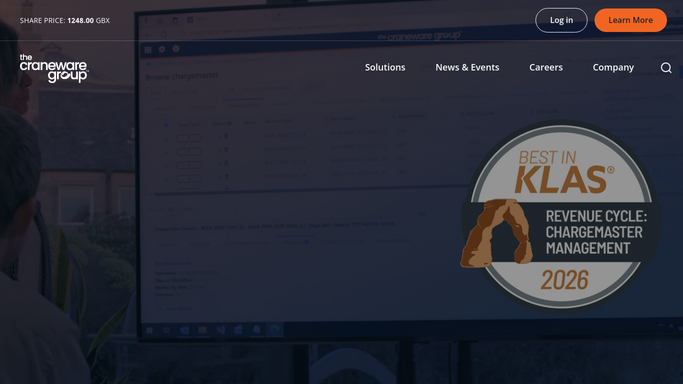
WebRun opens Craneware to find CDM items tied to changing codes. - Open Craneware and pull the chargemaster items mapped to CPT or HCPCS codes changing or retiring this cycle
- Capture the current code, the proposed replacement, and every CDM line item that references it
- Note the code set's effective date
Done when Every affected CDM line item is listed with its current code, proposed replacement, and effective date.
-
2
Outlook - draft the proposed crosswalk for review
microsoft.com How to Automate Outlook

WebRun opens Outlook to draft the proposed crosswalk for review. - Draft an email to the CDM coordinator listing every affected line item and the proposed crosswalk
- Flag any item with no clear one-to-one replacement for manual review
- Leave the draft unsent in Outlook. WebRun never edits the live chargemaster itself, the coordinator applies the change after reviewing
Done when A crosswalk draft is waiting in Outlook for the coordinator's review and approval.
-
3
Slack - alert the team to the deadline
slack.com How to Automate Slack

WebRun opens Slack to alert the team to the deadline. - Post the coding team a reminder of the codes changing and the days left before the effective date
- Link to the Outlook draft so reviewers know where to act
Done when The coding team has this week's code-change countdown in Slack.
How is each run configured?
Secure by default
Connect once, stays signed in
WebRun signs in once and keeps each session in a persistent environment, so every run picks up right where it left off.
Every action is checked against this policy before it runs.
Questions, answered
Will it update the chargemaster on its own?
No. WebRun only drafts the proposed crosswalk in Outlook for your CDM coordinator to review. It never edits a live chargemaster entry, the coordinator applies every change by hand after checking it.
How far ahead does it warn the team?
It checks every Monday against the code set's published effective date, so your team sees the countdown for weeks, not days, before a code retires.
What if a code has no clear replacement?
It flags that line item for manual review instead of guessing, so an ambiguous crosswalk never gets applied without a person looking at it first.
Related templates
Put this on autopilot.
Turn it on in minutes - or have our team set it up for you.