Export every Rappi order for your books
Every night, WebRun opens the Rappi partner dashboard, checks the day's completed and cancelled orders, logs every order with its total and status in Google Sheets, and emails the store owner the daily export so bookkeeping never falls behind on delivery sales.
- No credit card
- Under $0.01 per run
- Cancel anytime
How do I export my daily Rappi orders for bookkeeping?
WebRun checks Rappi every night for the day's completed and cancelled orders, logs every order with its total and status in Google Sheets, and emails the owner a daily export. Store and restaurant partners get a ready bookkeeping record every night instead of reconstructing sales at the end of the month.
- Every day's orders are exported before bookkeeping starts
- Cancellations stay clearly separated from real sales
- A full daily sales history builds automatically in Sheets
Built for restaurant and store owners · delivery partner operations · small business bookkeepers · multi location retailers
What does WebRun do on every run?
The exact actions WebRun takes, in order - in plain language, so you can adjust anything.
-
WebRun signs in and gets to work
Opens
www.rappi.comin a real browser with your saved login - no setup, no API keys. -
1
Rappi - check the day's completed and cancelled orders
rappi.com
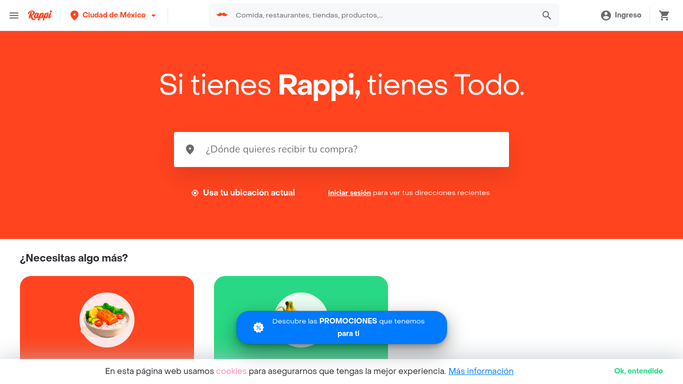
WebRun opens Rappi to check the day's completed and cancelled orders. - Open the partner dashboard and list today's orders
- Note the total and status for each order
- Separate completed orders from cancellations
Done when Every order today is listed with its total and status.
-
2
Google Sheets - log every order with total and status
google.com How to Automate Google Sheets

WebRun opens Google Sheets to log every order with total and status. - Log each order as a row with its total and status
- Total the day's completed order value
- Keep the daily log running for the month
Done when Today's orders are logged in Google Sheets.
-
3
Gmail - email the owner the daily export
gmail.com How to Automate Gmail

WebRun opens Gmail to email the owner the daily export. - Draft the daily export with today's total and order count
- Note cancellations separately
- Send it to the owner
Done when The owner has today's export in their inbox.
How is each run configured?
Secure by default
Connect once, stays signed in
WebRun signs in once and keeps each session in a persistent environment, so every run picks up right where it left off.
Every action is checked against this policy before it runs.
Questions, answered
Will it issue refunds or change any order?
No. WebRun only reads completed and cancelled orders and logs them. Refunds and order changes are handled by the store team.
How is the daily total calculated?
By summing completed orders read directly from the partner dashboard, with cancellations kept separate so they're never counted toward the total.
Can the export feed into accounting software?
The Google Sheets log gives a clean daily record that can be imported into most accounting tools, though it's an operational export, not a replacement for formal bookkeeping.
Related templates
Put this on autopilot.
Turn it on in minutes - or have our team set it up for you.