Make sure no missed call goes uncalled back
Every morning, WebRun signs in to Quo, reads yesterday's call log for missed calls and voicemails, appends each one to a running Google Sheet with the number, time and line it came in on, and sends you a ranked callback list on Telegram.
- No credit card
- Under $0.01 per run
- Cancel anytime
How do I track missed business calls and make sure they get called back?
WebRun reads yesterday's Quo call log every morning, captures every missed call and voicemail with its number, time and line, appends them to a running Google Sheet with a callback status column, and sends you a ranked list on Telegram with repeat callers and voicemails first.
- Every missed call gets a row and a callback owner
- Repeat callers and voicemails are worked first
- Open callbacks carry forward until a human closes them
Built for small businesses · clinics and practices · trades and services · inside sales teams
What does WebRun do on every run?
The exact actions WebRun takes, in order - in plain language, so you can adjust anything.
-
WebRun signs in and gets to work
Opens
my.quo.comin a real browser with your saved login - no setup, no API keys. -
1
Quo - read yesterday's missed calls
quo.com
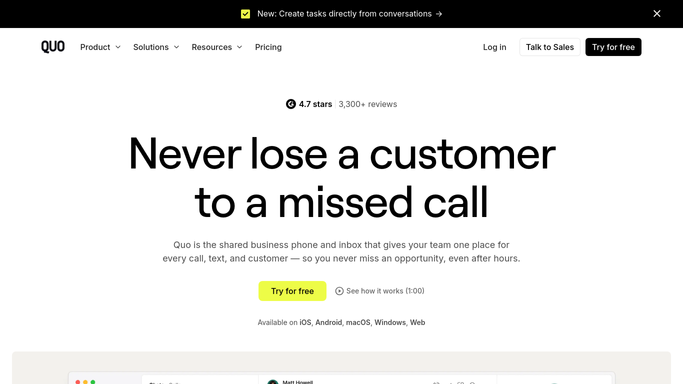
WebRun opens Quo to read yesterday's missed calls. - Sign in to Quo and open the call log for yesterday
- Capture every missed or unanswered call with the caller number, the time and the line or extension it hit
- Note which of them left a voicemail and whether the same number called more than once
Done when Every missed call and voicemail from yesterday is listed with its number and time.
-
2
Google Sheets - append them to the callback sheet
google.com How to Automate Google Sheets

WebRun opens Google Sheets to append them to the callback sheet. - Open the callback tracker in Google Sheets
- Append one row per missed call with the date, number, line, voicemail flag and a blank Called back column
- Skip numbers already logged and still open, so a repeat caller updates the existing row rather than creating a second one
Done when The sheet holds one open row per number still owed a callback.
-
3
Telegram - send you the callback list
telegram.org How to Automate Telegram

WebRun opens Telegram to send you the callback list. - Send the callback list to your Telegram
- Rank repeat callers and anyone who left a voicemail at the top
- Add the count of rows still open from previous days so nothing quietly ages out
Done when You have this morning's ranked callback list on your phone.
How is each run configured?
Secure by default
Connect once, stays signed in
WebRun signs in once and keeps each session in a persistent environment, so every run picks up right where it left off.
Every action is checked against this policy before it runs.
Questions, answered
Will it call or text anyone back?
No. WebRun never places a call and never sends a text to a caller. It reads the call log and hands you a list. The callback is always made by a person.
Does it listen to my voicemails?
It notes that a voicemail exists and which number left it, so you know that caller is a priority. Playing back the message stays something you do yourself in Quo.
How do I mark a callback as done?
Fill in the Called back column in the Google Sheet. WebRun reads that column on the next run and stops carrying the row forward, so your open list only ever shrinks when you say so.
Related templates
Put this on autopilot.
Turn it on in minutes - or have our team set it up for you.