Request a review from every completed pressure washing job
Every evening, WebRun opens Workiz, finds all jobs completed that day, drafts a short review-request text for each customer via Twilio, and logs the outreach to a Google Sheet so you can track your review pipeline over time.
- No credit card
- Under $0.01 per run
- Cancel anytime
How do I automatically request reviews after pressure washing jobs?
Every evening WebRun opens Workiz, finds every job completed that day, and drafts a friendly review-request text for each customer via Twilio. Each draft is queued for your approval before sending, and every outreach is logged to a Google Sheet so you can track your review pipeline over time.
- Every completed job triggers a timely review request, not a forgotten follow-up
- Review outreach log lets you see which customers were contacted and when
- No messages sent without human approval
Built for pressure washing companies · exterior cleaning businesses · field service reputation managers
What does WebRun do on every run?
The exact actions WebRun takes, in order - in plain language, so you can adjust anything.
-
WebRun signs in and gets to work
Opens
app.workiz.comin a real browser with your saved login - no setup, no API keys. -
1
Workiz - find all jobs completed today
workiz.com How to Automate Workiz
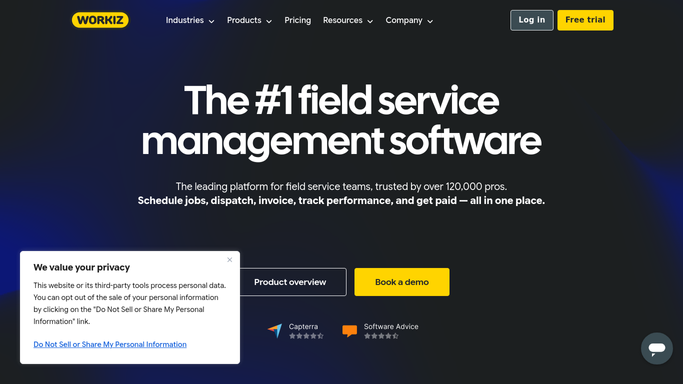
WebRun opens Workiz to find all jobs completed today. - Open Workiz and navigate to Jobs
- Filter to jobs with status Completed and a completion date of today
- Capture the customer name, phone number, and job type for each
Done when Every job completed today is listed with customer contact details.
-
2
Twilio - draft review-request text for each customer
twilio.com How to Automate Twilio

WebRun opens Twilio to draft review-request text for each customer. - Draft a short, friendly review-request text for each customer mentioning the job type completed today
- Include your Google Business review link in each message
- Leave every message as a draft and do not send without approval
Done when A review-request text draft is ready for every customer whose job was completed today.
-
3
Google Sheets - log outreach to review tracking sheet
google.com How to Automate Google Sheets

WebRun opens Google Sheets to log outreach to review tracking sheet. - Open the review outreach tracking Google Sheet
- Add a row for each customer with name, phone, job type, date, and draft status
- Mark the status as 'Awaiting Approval' for each new draft
Done when The review tracking sheet is updated with every customer from today's completed jobs.
How is each run configured?
Secure by default
Connect once, stays signed in
WebRun signs in once and keeps each session in a persistent environment, so every run picks up right where it left off.
Every action is checked against this policy before it runs.
Questions, answered
Will it text customers asking for a review without my approval?
No. Every review-request text is drafted and queued for your approval before anything is sent via Twilio. No customer is contacted without a human sign-off.
What if a customer already left a review recently?
WebRun checks the Google Sheet for previous outreach to the same customer and skips anyone who was already contacted within the last 90 days.
Which review platform does it link to?
You provide your Google Business review link during setup and WebRun includes it in every draft. You can also supply a different platform link if you prefer.
Related templates
Put this on autopilot.
Turn it on in minutes - or have our team set it up for you.