Keep every pressure washer and trailer on a proactive maintenance schedule
Every Monday, WebRun opens Workiz, reviews the service history and next-due dates for every piece of equipment, flags anything overdue or due within the coming week, and posts a maintenance worklist to Slack while logging the full equipment status to a Google Sheet.
- No credit card
- Under $0.01 per run
- Cancel anytime
How do I automatically track pressure washing equipment maintenance due dates?
Every Monday WebRun opens Workiz and reviews the service history and next-due dates for every piece of equipment on file. It flags anything overdue or due within the week and posts a prioritised maintenance worklist to Slack, then logs the full equipment status to a Google Sheet so nothing slips between checks.
- Equipment breakdowns during jobs are prevented by catching service due dates early
- Overdue machines are flagged and visible to the team every Monday morning
- Google Sheet gives a complete service history log for every piece of equipment
Built for pressure washing company owners · exterior cleaning operations managers · field service fleet managers
What does WebRun do on every run?
The exact actions WebRun takes, in order - in plain language, so you can adjust anything.
-
WebRun signs in and gets to work
Opens
app.workiz.comin a real browser with your saved login - no setup, no API keys. -
1
Workiz - review equipment records and next service dates
workiz.com How to Automate Workiz
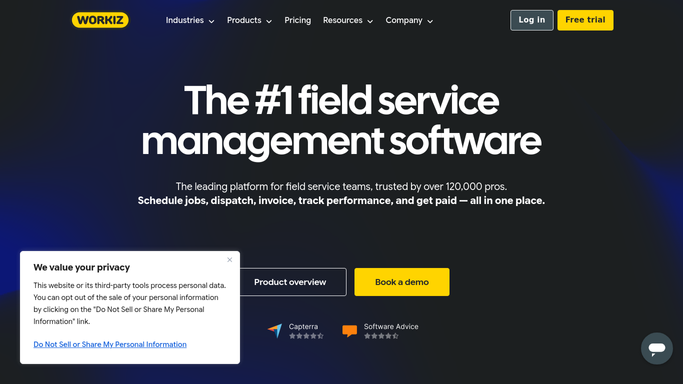
WebRun opens Workiz to review equipment records and next service dates. - Open Workiz and navigate to Equipment
- Review the service history and next-due maintenance date for each piece of equipment
- Flag any equipment that is overdue for service or due within the next 7 days
- Note the equipment name, serial number, last service date, and next due date for each flagged item
Done when Every overdue or soon-due piece of equipment is listed with its service details.
-
2
Slack - post weekly maintenance worklist to operations channel
slack.com How to Automate Slack

WebRun opens Slack to post weekly maintenance worklist to operations channel. - Post a maintenance worklist to the operations Slack channel
- List overdue equipment first, then items due this week
- Include equipment name, last service date, and next due date for each item
Done when The team has this week's equipment maintenance worklist in Slack.
-
3
Google Sheets - log full equipment status to maintenance tracker
google.com How to Automate Google Sheets

WebRun opens Google Sheets to log full equipment status to maintenance tracker. - Open the equipment maintenance tracking Google Sheet
- Update each equipment row with the current service status, last run check date, and any flags
- Add a note if any equipment has been overdue for more than one week
Done when The maintenance tracker sheet reflects the current service status of every piece of equipment.
How is each run configured?
Secure by default
Connect once, stays signed in
WebRun signs in once and keeps each session in a persistent environment, so every run picks up right where it left off.
Every action is checked against this policy before it runs.
Questions, answered
Does it schedule the maintenance appointment automatically?
No. WebRun surfaces the worklist and flags overdue items in Slack. A team member then books the service appointment based on the list. No scheduling is done automatically.
What types of equipment can it track?
WebRun tracks any equipment logged in Workiz, including pressure washers, trailers, hose reels, and surface cleaners, as long as the service dates are recorded in the Equipment section.
Can it alert a specific technician responsible for each machine?
Yes. If equipment records in Workiz have an assigned technician, WebRun can include an @-mention for that person in the Slack worklist so they see their own items first.
Related templates
Put this on autopilot.
Turn it on in minutes - or have our team set it up for you.