Chase Preset dashboards nobody has looked at in weeks
Every Monday morning, WebRun opens Preset, checks the last viewed date on every dashboard and chart in the workspace, finds the ones nobody has opened in the last 30 days, saves the full list to Google Drive, and posts it to Slack with each owner tagged, so unused dashboards get updated or archived instead of quietly piling up.
- No credit card
- Under $0.01 per run
- Cancel anytime
How do I find Preset dashboards nobody is using anymore?
WebRun checks the last viewed date on every Preset dashboard and chart each Monday, finds the ones nobody has opened in 30 days, and posts the list to Slack with owners tagged, while archiving the full list to Google Drive. Unused dashboards get a nudge to be updated or cleaned up instead of quietly cluttering the workspace.
- Unused dashboards get flagged monthly instead of piling up for years
- Owners get a direct nudge instead of the whole team guessing who owns what
- A running archive in Drive shows workspace hygiene trends over time
Built for BI administrators · Data teams · Analytics engineers · IT teams
What does WebRun do on every run?
The exact actions WebRun takes, in order - in plain language, so you can adjust anything.
-
WebRun signs in and gets to work
Opens
preset.ioin a real browser with your saved login - no setup, no API keys. -
1
Preset - find dashboards with no recent views
preset.io
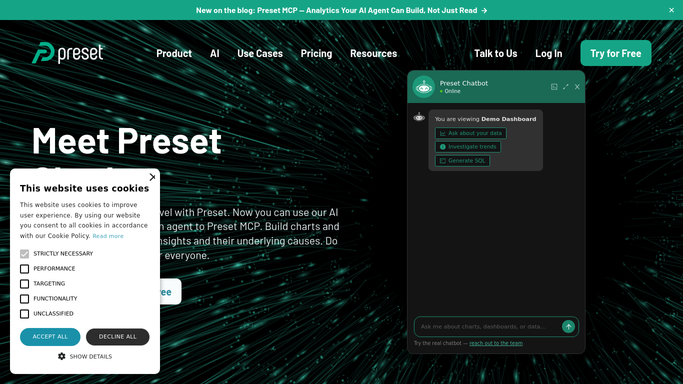
WebRun opens Preset to find dashboards with no recent views. - Open Preset and check the last viewed date on every dashboard and chart
- Find items with no views in the last 30 days
- Note the owner of each stale item
Done when Every dashboard and chart has been checked for recent views.
-
2
Google Drive - archive the stale list
drive.google.com How to Automate Google Drive

WebRun opens Google Drive to archive the stale list. - Save the full stale dashboard list to the workspace hygiene folder
- Name the file with the date
- Keep prior months' lists in place for comparison
Done when This month's stale list is archived in Drive.
-
3
Slack - post the chase list
slack.com How to Automate Slack

WebRun opens Slack to post the chase list. - Post the stale dashboards and charts with their owners tagged
- Ask each owner to update or archive their item
- Group items by owner so the message stays organized
Done when The workspace channel has this week's stale dashboard list.
How is each run configured?
Secure by default
Connect once, stays signed in
WebRun signs in once and keeps each session in a persistent environment, so every run picks up right where it left off.
Every action is checked against this policy before it runs.
Questions, answered
Does WebRun delete or archive a dashboard itself?
No. It only finds and reports what looks unused. Deleting or archiving any dashboard stays a decision for its owner.
What counts as no recent views?
No recorded view in the last 30 days. Dashboards viewed even once in that window are left off the list.
What if a dashboard is meant to be used rarely, like a quarterly report?
Tell WebRun to exclude it from the check, and it will skip that dashboard on future runs.
Related templates
Put this on autopilot.
Turn it on in minutes - or have our team set it up for you.