Get your product numbers out of the dashboard
Every Monday, WebRun opens your PostHog project, reads the insights you care about including active users, top events, and funnel conversion, appends last week's figures as a new row in a Google Drive sheet, and posts the biggest movers to your product WhatsApp group.
- No credit card
- Under $0.01 per run
- Cancel anytime
How do I export my PostHog metrics to a sheet every week?
WebRun opens PostHog every Monday and reads last week's active users, top events, funnel conversion, and retention from your dashboard. It appends the figures as a new row in a Google Drive sheet with week over week change, then posts the biggest movers to your product WhatsApp group.
- A weekly history of product metrics builds itself in one sheet
- The three biggest moves reach the team before Monday standup
- Empty or broken insights are flagged instead of reading as zero
Built for product managers · growth teams · startup founders · data analysts
What does WebRun do on every run?
The exact actions WebRun takes, in order - in plain language, so you can adjust anything.
-
WebRun signs in and gets to work
Opens
app.posthog.comin a real browser with your saved login - no setup, no API keys. -
1
PostHog - read last week's insights
posthog.com
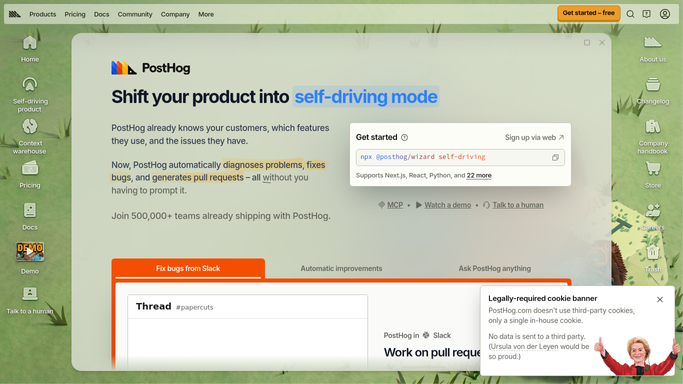
WebRun opens PostHog to read last week's insights. - Sign in to PostHog and open the dashboard you track each week
- Read the figures for last week: active users, new signups, top events by volume, and conversion on your main funnel
- Note retention for the most recent cohort and any insight that failed to load
Done when Last week's figure is captured for every insight on your dashboard.
-
2
Google Drive - append the weekly row
drive.google.com How to Automate Google Drive

WebRun opens Google Drive to append the weekly row. - Open your metrics sheet in Google Drive and add a row for the week just ended
- Fill one column per insight and calculate the change against the previous week
- Leave older rows untouched so the sheet builds a clean weekly history
Done when The Drive sheet has a new row for last week with week over week changes calculated.
-
3
WhatsApp - post the biggest movers
whatsapp.com How to Automate WhatsApp

WebRun opens WhatsApp to post the biggest movers. - Post a short summary to your product WhatsApp group with the headline numbers
- Lead with the three largest moves up or down and say by how much each changed
- Link to the sheet and flag any insight that returned no data this week
Done when The product group has last week's headline numbers and the biggest moves.
How is each run configured?
Secure by default
Connect once, stays signed in
WebRun signs in once and keeps each session in a persistent environment, so every run picks up right where it left off.
Every action is checked against this policy before it runs.
Questions, answered
Does it change anything in PostHog?
No. WebRun only reads your dashboards and insights. It never edits an insight, changes a feature flag, alters a cohort definition, or touches your event data.
What if an insight has no data this week?
The row still gets written and the summary flags that insight as empty, so a broken event or a renamed property shows up instead of silently reading as zero.
Can it track insights that are not on my main dashboard?
Yes. Point it at any PostHog insight or dashboard and it adds those columns to the same weekly sheet, keeping one history for everything you track.
Related templates
Put this on autopilot.
Turn it on in minutes - or have our team set it up for you.