Run the setup checklist for every new Portable connector
When a new long-tail data source needs a connector, WebRun opens Portable, works through the setup checklist from authentication to destination mapping, tracks each step's completion in Notion, and exports the finished schema and field list to Google Sheets, so the data team has a clear, searchable record of exactly what is now flowing into the warehouse.
- No credit card
- Under $0.01 per run
- Cancel anytime
How do I track the setup checklist for a new Portable data connector?
WebRun works through the Portable connector setup checklist for every new long-tail data source, from authentication to destination mapping, tracking each step in Notion. Once the connector is live, it exports the finished schema to Google Sheets, so the data team has a clear, searchable record of what is now flowing into the warehouse.
- Every new connector follows the same repeatable setup checklist
- Blocked steps get flagged with a reason instead of silently stalling
- The data team gets a searchable schema record without opening Portable
Built for Data engineering teams · Analytics engineers · Data platform teams · Startups
What does WebRun do on every run?
The exact actions WebRun takes, in order - in plain language, so you can adjust anything.
-
WebRun signs in and gets to work
Opens
portable.ioin a real browser with your saved login - no setup, no API keys. -
1
Portable - work through the connector setup
portable.io
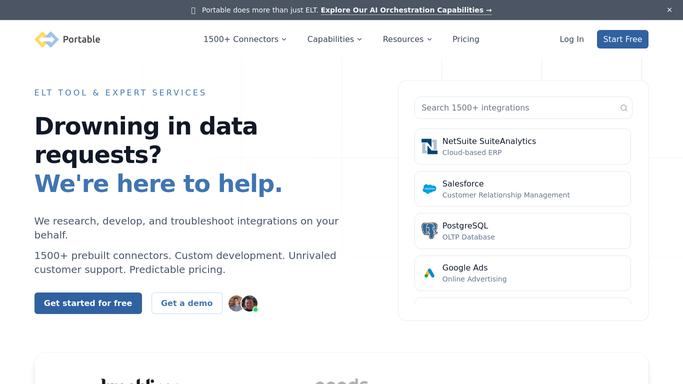
WebRun opens Portable to work through the connector setup. - Open Portable and confirm authentication for the new data source
- Configure the destination mapping to the warehouse
- Confirm the first sync completes successfully
Done when Every connector setup step has been completed for the new source.
-
2
Notion - track setup progress
notion.so How to Automate Notion

WebRun opens Notion to track setup progress. - Create a setup page for the new connector
- Check off each step as it completes
- Note any step that is blocked and why
Done when The Notion page reflects the connector's current setup status.
-
3
Google Sheets - export the finished schema
google.com How to Automate Google Sheets

WebRun opens Google Sheets to export the finished schema. - Export the finished schema and field list once the connector is live
- Add a row summarizing the source, destination, and sync frequency
- Keep prior connectors' rows in place below
Done when The new connector's schema is logged in the export sheet.
How is each run configured?
Secure by default
Connect once, stays signed in
WebRun signs in once and keeps each session in a persistent environment, so every run picks up right where it left off.
Every action is checked against this policy before it runs.
Questions, answered
Does WebRun choose which data source to connect?
No. It works through the setup for the source your team requests. Deciding what to connect stays a decision for your data team.
What happens if authentication fails during setup?
The step is marked blocked in Notion with the reason, so the team knows exactly what needs fixing before setup can continue.
Can we see what fields are flowing in without opening Portable?
Yes. The finished schema and field list get exported to Google Sheets once the connector is live, so anyone can check it without a Portable login.
Related templates
Put this on autopilot.
Turn it on in minutes - or have our team set it up for you.