Reconcile your Podomatic publishing schedule
Every night, WebRun opens Podomatic, lists episodes published that day, checks each against the planned schedule in Notion, flags anything missed or published off-schedule, and logs the reconciled result to Google Sheets.
- No credit card
- Under $0.01 per run
- Cancel anytime
How do I know if a Podomatic episode published on schedule?
WebRun reconciles your Podomatic publishing every night, checking which episodes actually went out against what was planned in Notion. It flags anything missed or published off-schedule and logs the result to Google Sheets, so a planned episode never quietly slips without someone noticing the same day.
- Missed publishes get caught the same night
- Every episode is checked against its planned schedule
- A clean day by day reconciliation log builds automatically
Built for Podcast producers · Independent podcasters · Content teams · Podcast networks
What does WebRun do on every run?
The exact actions WebRun takes, in order - in plain language, so you can adjust anything.
-
WebRun signs in and gets to work
Opens
www.podomatic.comin a real browser with your saved login - no setup, no API keys. -
1
Podomatic - list episodes published today
podomatic.com
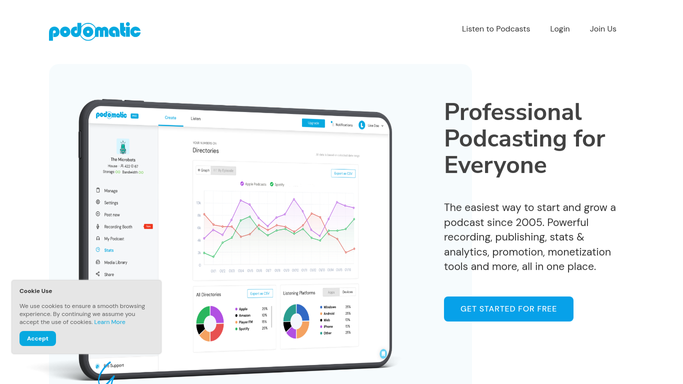
WebRun opens Podomatic to list episodes published today. - Open the episode list in Podomatic
- Capture episodes published today
- Note the publish time for each
Done when Every episode published today is listed with its publish time.
-
2
Notion - check against planned schedule
notion.so How to Automate Notion

WebRun opens Notion to check against the planned schedule. - Open the content calendar in Notion
- Match each published episode to its planned entry
- Flag any planned episode that didn't publish, or any publish with no plan
Done when Every planned episode is marked as matched, missed, or unplanned.
-
3
Google Sheets - log the reconciliation
google.com How to Automate Google Sheets

WebRun opens Google Sheets to log the reconciliation. - Open the reconciliation log
- Add a row for each episode noting matched, missed, or unplanned
- Keep the running history intact
Done when Today's reconciliation is recorded in the sheet.
How is each run configured?
Secure by default
Connect once, stays signed in
WebRun signs in once and keeps each session in a persistent environment, so every run picks up right where it left off.
Every action is checked against this policy before it runs.
Questions, answered
Does it publish episodes for me?
No. WebRun only compares what already published against what was planned. Publishing an episode is still done by you in Podomatic.
What counts as a mismatch?
A planned episode with no matching publish, or a publish with no matching planned entry in Notion, either way it gets logged for review.
How far back does it check?
Just the current day each night, so the log builds a clean day by day history without reprocessing older episodes.
Related templates
Put this on autopilot.
Turn it on in minutes - or have our team set it up for you.