Draft late-shipment apology emails before customers ask
Every morning, WebRun opens ShipStation and identifies shipments whose estimated delivery date has passed without a delivered scan, drafts a personalized apology email for each affected customer in Gmail, leaves every draft unsent for your review, and posts a summary count to Slack so you know how many are waiting.
- No credit card
- Under $0.01 per run
- Cancel anytime
How do I automatically draft apology emails for late shipments in ShipStation?
WebRun checks ShipStation every morning for shipments past their estimated delivery date, drafts a personalized apology email for each affected customer in Gmail, and leaves every email unsent for your team to review and send. A Slack summary tells your customer-service team how many drafts are waiting.
- Customers receive a proactive apology before they submit a support ticket
- Every draft reviewed by a human before it is sent
- Team alerted in Slack within minutes of the morning run
Built for e-commerce customer service teams · online retailers · DTC brands · Shopify store owners
What does WebRun do on every run?
The exact actions WebRun takes, in order - in plain language, so you can adjust anything.
-
WebRun signs in and gets to work
Opens
ship.shipstation.comin a real browser with your saved login - no setup, no API keys. -
1
ShipStation - find shipments past estimated delivery date
shipstation.com How to Automate ShipStation
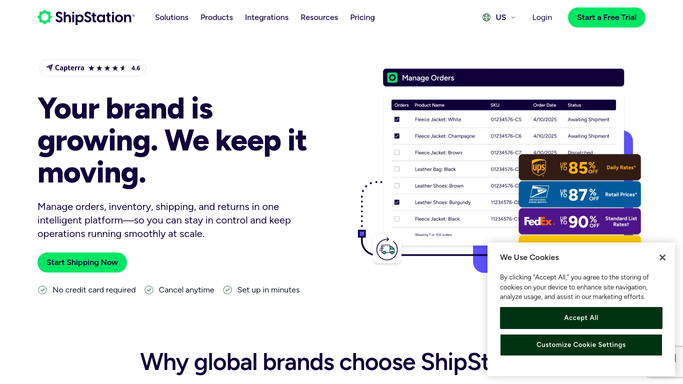
WebRun opens ShipStation to find shipments past estimated delivery date. - Open ShipStation and filter In Transit shipments where estimated delivery date is today or earlier
- Confirm the shipment has not received a delivered scan
- Capture the customer name, email, order number, carrier, last tracking event, and days overdue for each
Done when Every late shipment is identified with customer contact details and tracking status.
-
2
Gmail - draft personalized apology email for each customer
gmail.com How to Automate Gmail

WebRun opens Gmail to draft personalized apology email for each customer. - Open Gmail and create a draft for each affected customer
- Personalize each draft with the customer name, order number, carrier name, and last known tracking event
- Use an empathetic, on-brand tone and include the tracking link
- Leave every draft unsent in the Drafts folder for human review before sending
Done when A personalized, unsent draft exists in Gmail for every late shipment.
-
3
Slack - notify team of drafts awaiting review
slack.com How to Automate Slack

WebRun opens Slack to notify team of drafts awaiting review. - Post a summary to the customer-service Slack channel listing how many drafts are waiting
- Include the link to Gmail Drafts so the team can review and send immediately
Done when Team knows exactly how many late-shipment drafts are waiting in Gmail.
How is each run configured?
Secure by default
Connect once, stays signed in
WebRun signs in once and keeps each session in a persistent environment, so every run picks up right where it left off.
Every action is checked against this policy before it runs.
Questions, answered
Will it send the apology emails automatically?
No. Every draft is saved in Gmail's Drafts folder and left unsent. Your team reviews and sends each one. Nothing reaches a customer without a human approving it first.
How does it know a shipment is late?
It compares the carrier's estimated delivery date in ShipStation against today's date and confirms no delivered scan has been recorded. Only genuinely overdue shipments trigger a draft.
Can I customize the apology email tone?
Yes. Give WebRun a tone guide or example email at setup and it will match your brand voice in every draft it creates.
Related templates
Put this on autopilot.
Turn it on in minutes - or have our team set it up for you.