Keep a running record for your accountant
Every Monday, WebRun signs in to Nexo, reads the past week's transactions and the interest earned per asset, posts a running summary with the portfolio balance to your Microsoft Teams channel, and books a Google Calendar handover so your accountant gets the record before quarter end.
- No credit card
- Under $0.01 per run
- Cancel anytime
How do I keep a running record of my crypto transactions for tax?
WebRun signs in to Nexo every Monday and reads the past week's transactions along with the interest earned per asset and the portfolio balance. It posts a running record to your Microsoft Teams finance channel and books a Google Calendar handover, so tax season does not start with a scramble.
- The transaction record is ready before quarter end, not after
- Interest earned is broken out by asset every week
- Nothing is ever traded, transferred or withdrawn
Built for crypto investors · bookkeepers · accountants · self-employed filers
What does WebRun do on every run?
The exact actions WebRun takes, in order - in plain language, so you can adjust anything.
-
WebRun signs in and gets to work
Opens
nexo.comin a real browser with your saved login - no setup, no API keys. -
1
Nexo - read transactions and interest earned
nexo.com
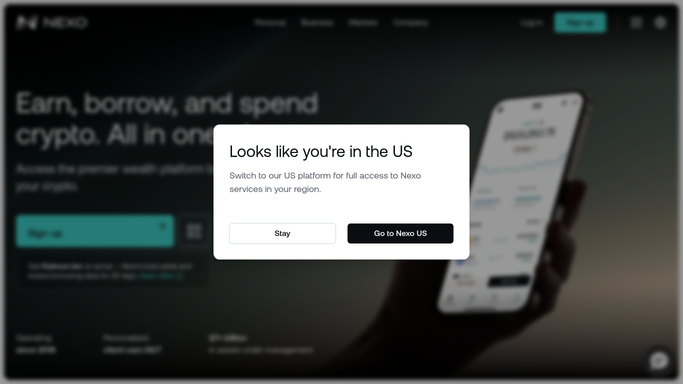
WebRun opens Nexo to read transactions and interest earned. - Sign in to Nexo and open the account statement for the past week
- Capture each transaction with its date, type, asset and amount
- Read the interest earned per asset and the current portfolio balance
Done when The week's transactions and interest are captured per asset.
-
2
Microsoft Teams - post the running record
microsoft.com How to Automate Microsoft Teams

WebRun opens Microsoft Teams to post the running record. - Post the week's transactions and interest earned by asset to your finance channel
- Show the running total for the quarter so nothing has to be recomputed later
- Note any week where a transaction type appears that has not been seen before
Done when This week's record is posted with the quarter running total.
-
3
Google Calendar - book the accountant handover
calendar.google.com How to Automate Google Calendar

WebRun opens Google Calendar to book the accountant handover. - Book a handover slot before each quarter end with the record ready to send
- Put the number of transactions in the period in the event title
- Book internal time only. WebRun never trades, transfers, deposits or withdraws anything
Done when The quarterly handover is on the calendar.
How is each run configured?
Secure by default
Connect once, stays signed in
WebRun signs in once and keeps each session in a persistent environment, so every run picks up right where it left off.
Every action is checked against this policy before it runs.
Questions, answered
Will it move funds, trade or withdraw anything?
No. WebRun reads the account statement and reports it. It never buys, sells, swaps, deposits or withdraws, and it never enters payment or wallet details.
Does it send my records to anyone?
No. The record is posted to your own Microsoft Teams channel and a handover slot is booked in your calendar. Sending anything to your accountant stays your decision.
Is this financial or tax advice?
No. WebRun records what your account already shows: transactions, interest earned and balances. How any of it is treated for tax is a question for your own accountant.
Related templates
Put this on autopilot.
Turn it on in minutes - or have our team set it up for you.