Catch SLA breaches before they damage client relationships
Every hour, WebRun opens ConnectWise and checks all open tickets against their SLA response and resolution deadlines. When a ticket is within two hours of a breach, it posts an internal alert to the relevant tech and their team lead in Slack so action can be taken immediately.
- No credit card
- Under $0.01 per run
- Cancel anytime
How do I get automatic alerts for MSP ticket SLA breaches?
WebRun checks every open ConnectWise ticket against its SLA deadline every hour. When a ticket is within two hours of a response or resolution breach, it posts an internal Slack alert tagging the assigned engineer and their team lead, giving the team a clear window to act before the SLA is missed.
- Engineers get alerted to at-risk tickets with time still on the clock
- SLA breach rates drop as every approaching deadline gets a direct team ping
- Service managers see breached tickets escalated automatically without manual checks
Built for managed service providers · MSP service desk teams · IT service managers · MSP engineers
What does WebRun do on every run?
The exact actions WebRun takes, in order - in plain language, so you can adjust anything.
-
WebRun signs in and gets to work
Opens
home.connectwise.comin a real browser with your saved login - no setup, no API keys. -
1
ConnectWise - check tickets against SLA deadlines
connectwise.com How to Automate ConnectWise
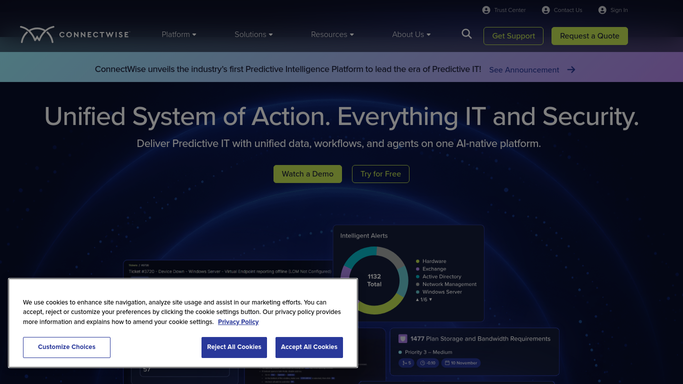
WebRun opens ConnectWise to check tickets against SLA deadlines. - Open ConnectWise Manage and navigate to the Service Desk
- Filter for all open tickets and read each ticket's SLA response and resolution due time
- Flag any ticket whose response or resolution deadline is within 2 hours
- Capture the ticket number, client, priority, assigned engineer, and time remaining for each flagged ticket
- Skip tickets that were already alerted in the last hour to avoid duplicate pings
Done when Every open ticket within 2 hours of an SLA breach is identified with its details.
-
2
Slack - alert engineers and team leads
slack.com How to Automate Slack

WebRun opens Slack to alert engineers and team leads. - Post an alert to the service-desk Slack channel for each at-risk ticket
- Tag the assigned engineer and their team lead directly so they are notified
- Include the ticket number, client name, SLA type, and exact time remaining
- Mark any ticket already past its SLA deadline as breached and escalate to the service manager
Done when Engineers and team leads are alerted to every ticket at risk of an SLA breach.
How is each run configured?
Secure by default
Connect once, stays signed in
WebRun signs in once and keeps each session in a persistent environment, so every run picks up right where it left off.
Every action is checked against this policy before it runs.
Questions, answered
Does it contact the client if an SLA is about to be breached?
No. All alerts are internal only, posted to your Slack service-desk channel with the engineer and team lead tagged. Client communication remains entirely in your team's hands.
What if the same ticket keeps coming up every hour?
It tracks which tickets were already alerted in the last hour and skips them, so your team only gets a new Slack ping if the situation has not been resolved or updated.
Can it cover both response-time and resolution-time SLAs?
Yes. It reads both the response and resolution deadlines from ConnectWise and flags whichever is approaching, so both SLA types are covered in a single hourly check.
Related templates
Put this on autopilot.
Turn it on in minutes - or have our team set it up for you.