Turn cancellations into rebooked sessions
Throughout the day, as a session is canceled in Healthie, WebRun finds the client's next 3 available slots on your Google Calendar, drafts a reschedule offer email in Gmail listing those options, and leaves it unsent for the front desk to review and send, so a canceled seat becomes a rebooking outreach within minutes instead of an empty gap.
- No credit card
- Under $0.01 per run
- Cancel anytime
How do I turn a canceled session into a rebooked one automatically?
WebRun watches Healthie for canceled sessions throughout the day, finds the client's next 3 matching open slots on Google Calendar and holds the earliest one, then drafts a reschedule offer email in Gmail, left unsent for the front desk to send, so an empty seat turns into a same day rebooking outreach instead of lost revenue.
- A reschedule offer goes out for review within minutes of a cancellation instead of at the end of the day
- The held slot releases automatically after 24 hours so it never sits blocked for long
- Clients get 3 real options instead of a single time to accept or decline
Built for Registered dietitian practices · MNT clinic front desk teams · outpatient nutrition clinics · practices managing high cancellation rates
What does WebRun do on every run?
The exact actions WebRun takes, in order - in plain language, so you can adjust anything.
-
WebRun signs in and gets to work
Opens
app.gethealthie.comin a real browser with your saved login - no setup, no API keys. -
1
Healthie - find canceled sessions
gethealthie.com How to Automate Healthie
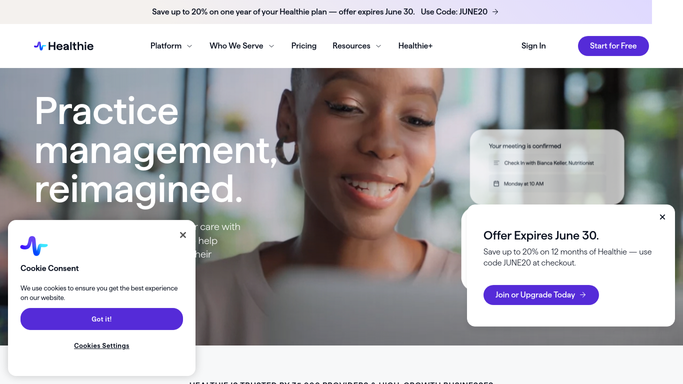
WebRun opens Healthie to find canceled sessions. - Check Healthie for any session marked canceled since the last check
- Capture the client's name, visit type, and the original appointment time
- Note whether the cancellation qualifies for a waitlist offer under your policy
Done when Every new cancellation is listed with the client and visit details.
-
2
Google Calendar - find the next open slots
calendar.google.com How to Automate Google Calendar

WebRun opens Google Calendar to find the next open slots. - Search the RD's calendar for the next 3 open slots matching that visit type
- Hold the earliest slot temporarily while the offer goes out
- Release the hold automatically if no reply within 24 hours
Done when The next 3 open slots are identified and the earliest is held for the offer.
-
3
Gmail - draft the reschedule offer
gmail.com How to Automate Gmail

WebRun opens Gmail to draft the reschedule offer. - Draft a reschedule offer email to the client listing the 3 open slots
- Keep the tone warm and make rebooking a one line reply
- Leave the draft unsent in Gmail for the front desk to review and send
Done when A reschedule offer draft exists in Gmail for every cancellation, none of them sent.
How is each run configured?
Secure by default
Connect once, stays signed in
WebRun signs in once and keeps each session in a persistent environment, so every run picks up right where it left off.
Every action is checked against this policy before it runs.
Questions, answered
Will it email the client without anyone checking it first?
No. The reschedule offer is left as an unsent Gmail draft. The front desk reviews and sends it, WebRun never contacts the client directly.
What happens to the held slot if the client doesn't reply?
The hold releases automatically after 24 hours so the slot goes back to the open schedule instead of sitting blocked indefinitely.
How many reschedule options does it offer?
The next 3 open slots matching that visit type, so the client has a real choice instead of a single take it or leave it time.
Related templates
Put this on autopilot.
Turn it on in minutes - or have our team set it up for you.