Respond to every new inquiry within minutes
The moment a new lead inquiry arrives in Moovs, WebRun captures the trip details, drafts a personalized response email with an initial quote and availability confirmation, saves it in Gmail for your quick review, and pings your team in Slack so no lead sits unanswered.
- No credit card
- Under $0.01 per run
- Cancel anytime
How do I automatically respond to new limo booking inquiries within minutes?
The moment a new inquiry lands in Moovs, WebRun captures the trip details, drafts a personalized response email with an initial quote in Gmail, and pings your team in Slack so they can approve and send within minutes. Every draft waits for human review before it reaches the lead, so speed and quality both improve.
- New leads get a personalized, accurate response within minutes, not hours
- Sales staff are alerted in Slack the instant a new inquiry arrives
- First impressions are consistent and professional without manual drafting
Built for limo operators · chauffeured car sales teams · black car company owners · ground transportation dispatchers
What does WebRun do on every run?
The exact actions WebRun takes, in order - in plain language, so you can adjust anything.
-
WebRun signs in and gets to work
Opens
app.moovsapp.comin a real browser with your saved login - no setup, no API keys. -
1
Moovs - capture new lead inquiry
moovsapp.com
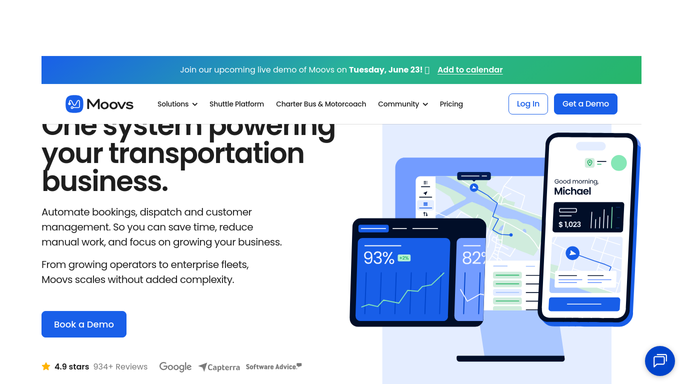
WebRun opens Moovs to capture new lead inquiry. - Detect the new inquiry in Moovs as soon as it is created
- Capture lead name, contact email, phone, trip type, requested date, pickup address, and destination
- Note any vehicle preference, group size, or special requests from the inquiry form
Done when All details from the new inquiry are captured and ready for the response draft.
-
2
Gmail - draft personalized response
gmail.com How to Automate Gmail

WebRun opens Gmail to draft personalized response. - Draft a personalized response email addressed to the lead by name
- Include the trip details they requested, confirm the date is tentatively held, and provide an initial quote range
- Save the draft in Gmail for your immediate review before sending
Done when A personalized response draft is ready in Gmail within minutes of the inquiry arriving.
-
3
Slack - alert team to new lead
slack.com How to Automate Slack

WebRun opens Slack to alert team to new lead. - Post a new lead alert to the sales or dispatch Slack channel
- Include the lead name, trip date, type, and inquiry source
- Mention the assigned rep or owner so they know to review and approve the Gmail draft
Done when The team has a Slack alert for the new lead and knows the draft is ready to send.
How is each run configured?
Secure by default
Connect once, stays signed in
WebRun signs in once and keeps each session in a persistent environment, so every run picks up right where it left off.
Every action is checked against this policy before it runs.
Questions, answered
Will it reply to the lead automatically without me approving it?
No. WebRun drafts the response and saves it in Gmail, then alerts your team in Slack. The email is not sent until a human reviews and approves it, so you control every first impression.
How quickly can we get the draft ready for review?
WebRun processes the inquiry and produces the draft within minutes of it arriving in Moovs, so your team can send a personalized reply faster than a competitor can read the same inquiry.
Can it handle inquiries for different trip types such as weddings or airport runs?
Yes. WebRun reads the trip type from the inquiry and adjusts the draft language accordingly. You can also set up different tone templates per trip type in the setup.
Related templates
Put this on autopilot.
Turn it on in minutes - or have our team set it up for you.