Bring last season's families back for the next one
Every morning during the pre-season window, WebRun opens LeagueApps, compares last season's roster against current registrations, identifies returning families who have not yet signed up, drafts a personalized renewal outreach email for each, and posts your admin a Slack summary of how re-registration is tracking.
- No credit card
- Under $0.01 per run
- Cancel anytime
How do I automatically reach out to last season's families for season renewal?
WebRun compares your LeagueApps rosters each morning during the pre-season window, finds families who played last season but have not yet signed up for the new one, and drafts a warm renewal email for each. Your admin gets a Slack report tracking renewal progress by age group. Every email waits in draft until approved.
- Returning families get a personalized invitation before spots fill up
- Admin tracks renewal progress by age group without manual spreadsheet work
- Re-registration outreach starts automatically as soon as the new season opens
Built for youth sports leagues · recreational leagues · league registrars · sports club membership directors
What does WebRun do on every run?
The exact actions WebRun takes, in order - in plain language, so you can adjust anything.
-
WebRun signs in and gets to work
Opens
leagueapps.comin a real browser with your saved login - no setup, no API keys. -
1
LeagueApps - find last-season families not yet re-registered
leagueapps.com
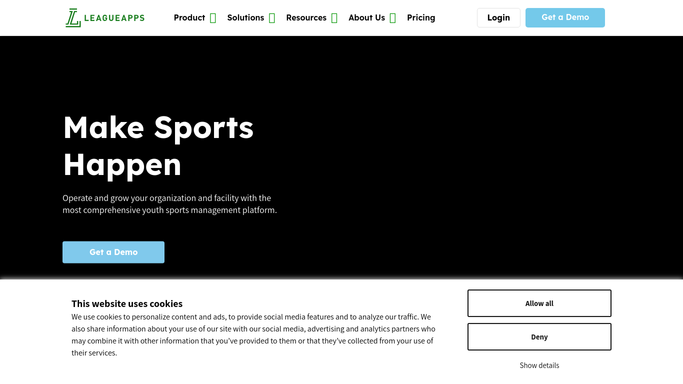
WebRun opens LeagueApps to find last-season families not yet re-registered. - Open LeagueApps and pull the participant list from the most recently completed season
- Cross-reference against current season registrations to find families not yet signed up
- Capture each family's name, player name, age group, and last program enrolled
- Skip families who have already received a renewal outreach in the last 7 days
Done when Every returning family not yet re-registered is listed with their history and contact details.
-
2
Gmail - draft personalized renewal outreach emails
gmail.com How to Automate Gmail

WebRun opens Gmail to draft personalized renewal outreach emails. - Draft a warm, personalized renewal email for each family referencing their player's previous program
- Include early registration details, deadlines, and a direct link to register in LeagueApps
- Leave every email as a draft for admin review before sending
Done when One draft renewal outreach email exists in Gmail for each lapsed family.
-
3
Slack - report renewal pipeline progress to admin
slack.com How to Automate Slack

WebRun opens Slack to report renewal pipeline progress to admin. - Post a Slack summary showing total families not yet renewed, broken down by age group
- Track week-over-week renewal progress so admin can see momentum building
Done when Admin has a Slack renewal pipeline report and draft outreach emails are ready to send.
How is each run configured?
Secure by default
Connect once, stays signed in
WebRun signs in once and keeps each session in a persistent environment, so every run picks up right where it left off.
Every action is checked against this policy before it runs.
Questions, answered
Will it email families without my approval?
No. Every renewal email is drafted in Gmail and held for admin review. Nothing goes to families until you read and approve it yourself.
How does it personalize the outreach for each family?
It pulls the player's name, age group, and previous program from LeagueApps and weaves those details into each draft, so the message feels like a personal invitation rather than a mass blast.
What if a family already signed up using a different email address?
It matches on the family or player record in LeagueApps, not just the email address, to minimize false positives. Any confirmed registration is excluded from that day's outreach.
Related templates
Put this on autopilot.
Turn it on in minutes - or have our team set it up for you.