Work the tickets closest to breaching first
Every hour, WebRun opens Kapture CX, reads every open ticket with its SLA timer, ranks them by how little time is left before breach, writes the queue into Airtable with agent and priority, and posts the next few tickets at risk to the team's Notion page.
- No credit card
- Under $0.01 per run
- Cancel anytime
How do I see which support tickets are about to breach SLA?
WebRun reads every open Kapture CX ticket each hour and ranks them by how little SLA time is left before breach. It writes the ordered queue into Airtable with priority and assigned agent, and posts the next tickets at risk to Notion, so the team spends the hour where the clock is tightest.
- The team works the tickets the clock is about to punish
- Breaches visible an hour ahead, not after the fact
- One ordered queue instead of a dashboard everyone reads differently
Built for support leads · customer service teams · BPO operations · service desk managers
What does WebRun do on every run?
The exact actions WebRun takes, in order - in plain language, so you can adjust anything.
-
WebRun signs in and gets to work
Opens
www.kapturecrm.comin a real browser with your saved login - no setup, no API keys. -
1
Kapture CX - rank tickets by SLA left
kapturecrm.com
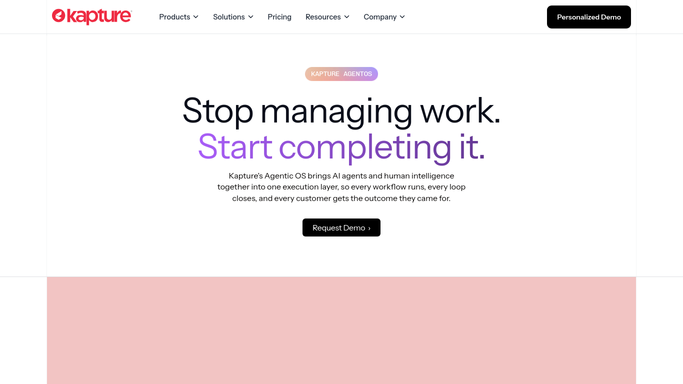
WebRun opens Kapture CX to rank tickets by SLA left. - Open Kapture CX and list every ticket whose status is still open or pending
- Read each ticket's SLA timer and work out the minutes left before it breaches
- Capture the priority, assigned agent, ticket age, and the time of the last customer message
- Order the list by least SLA time remaining, with already breached tickets separated out
Done when Every open ticket is ordered by how little SLA time is left.
-
2
Airtable - write the risk queue
airtable.com How to Automate Airtable

WebRun opens Airtable to write the risk queue. - Open your support base and upsert one row per open ticket
- Fill in ticket id, subject, priority, agent, SLA minutes left, and status
- Update rows that already exist rather than adding duplicates each hour
- Mark tickets resolved since the last run as closed, keeping the SLA outcome
Done when The base holds this hour's queue with each ticket's SLA position.
-
3
Notion - post the next breaches
notion.so How to Automate Notion

WebRun opens Notion to post the next breaches. - Post the tickets closest to breach to the team's support page
- Show ticket id, subject, agent, priority, and minutes remaining on each line
- List already breached tickets in their own section so they are not lost behind the countdown
- Leave replies to your agents. WebRun never answers or closes a ticket
Done when The team can see which tickets the clock is about to punish.
How is each run configured?
Secure by default
Connect once, stays signed in
WebRun signs in once and keeps each session in a persistent environment, so every run picks up right where it left off.
Every action is checked against this policy before it runs.
Questions, answered
Will it reply to customers or close tickets?
No. WebRun reads the queue and reports the order. It never sends a customer reply, changes a ticket status, reassigns an agent, or closes anything. Your agents do the work, in the order the clock sets.
How is the order decided?
By SLA time remaining, least first, read live from each ticket's timer. Priority and ticket age are shown alongside so an agent can judge, but the clock sets the sequence.
Does running hourly create duplicate records?
No. Each run updates the existing Airtable row for a ticket rather than adding a new one, and tickets resolved since the last run are marked closed with their SLA outcome kept.
Related templates
Put this on autopilot.
Turn it on in minutes - or have our team set it up for you.