Turn every Jimdo contact form into a tracked lead
The moment a new contact form or store order comes in on your Jimdo site, WebRun reads the details, logs a new row to a Google Sheet with the contact info and message, and drafts a Gmail summary so you always know what came in without digging through the site dashboard.
- No credit card
- Under $0.01 per run
- Cancel anytime
How do I track new leads from my Jimdo contact form automatically?
WebRun watches your Jimdo site for new contact form submissions and store orders, and the moment one arrives, logs it as a row in a Google Sheet with the contact details and message. It also drafts a Gmail summary for your team, so every new lead is tracked and visible without anyone replying to the customer on WebRun's behalf.
- Every form submission and order lands in one tracked sheet
- No lead sits unread in the Jimdo dashboard
- A Gmail summary gives the team a daily view without logging in
Built for Small business owners · freelancers with a Jimdo site · local service providers · online store owners
What does WebRun do on every run?
The exact actions WebRun takes, in order - in plain language, so you can adjust anything.
-
WebRun signs in and gets to work
Opens
www.jimdo.comin a real browser with your saved login - no setup, no API keys. -
1
Jimdo - read new form and order submissions
jimdo.com
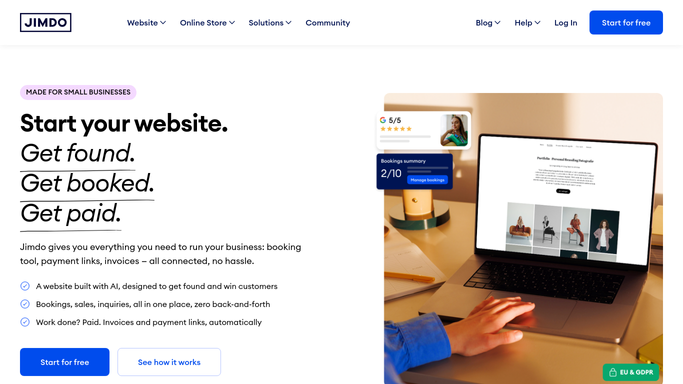
WebRun reads new form and order submissions in Jimdo. - Open the Jimdo site dashboard and read new contact form submissions and store orders
- Capture the name, contact details, and message or order for each
- Skip anything already logged
Done when Every new submission since the last run is captured.
-
2
Google Sheets - log each one as a row
google.com How to Automate Google Sheets

WebRun logs each submission as a row in Google Sheets. - Add a new row for each submission with the date, contact details, and message
- Keep the newest entries at the top
- Leave a status column blank for the team to fill in
Done when The sheet has one row per new submission, ready to work.
-
3
Gmail - draft a summary for review
gmail.com How to Automate Gmail

WebRun drafts a summary email in Gmail. - Draft a short summary email listing the new submissions
- Leave it in Drafts for whoever checks leads
- Never reply to the customer directly
Done when A summary draft is waiting whenever new submissions come in.
How is each run configured?
Secure by default
Connect once, stays signed in
WebRun signs in once and keeps each session in a persistent environment, so every run picks up right where it left off.
Every action is checked against this policy before it runs.
Questions, answered
Does it reply to the customer who submitted the form?
No. WebRun only logs the submission and drafts an internal summary for your team. Replying to the customer stays a manual, human step.
What if the same person submits twice?
Each submission gets logged as its own row with a timestamp, so your team can see repeat contacts rather than one entry silently overwriting another.
Does this work for store orders too?
Yes. Both contact form messages and new store orders are read and logged the same way, each with its own row.
Related templates
Put this on autopilot.
Turn it on in minutes - or have our team set it up for you.