Start every morning knowing exactly how yesterday's jewelry sales landed
Every morning, WebRun opens The Edge, pulls yesterday's sales totals, repair revenue, layaway collections, and top-selling categories, then posts a clean summary digest to your Slack channel so your team starts the day fully informed.
- No credit card
- Under $0.01 per run
- Cancel anytime
How do I automatically get a daily sales summary for my jewelry store each morning?
WebRun opens The Edge and Jewel360 every morning, pulls yesterday's sales totals, repair revenue, layaway collections, and top-performing categories, then posts a clean digest to Slack before the store opens. The report runs automatically each day, giving store leadership instant visibility into performance without any manual exports.
- Store leadership reads yesterday's performance before the first customer walks in
- No one spends time manually exporting or formatting sales data each morning
- Trends across sales, repairs, and layaways are visible in one place daily
Built for jewelry store owners · jewelry store managers · retail jewelry leadership teams · multi-location jewelry retailers
What does WebRun do on every run?
The exact actions WebRun takes, in order - in plain language, so you can adjust anything.
-
WebRun signs in and gets to work
Opens
www.ajsllc.comin a real browser with your saved login - no setup, no API keys. -
1
The Edge - pull yesterday's sales data
ajsllc.com
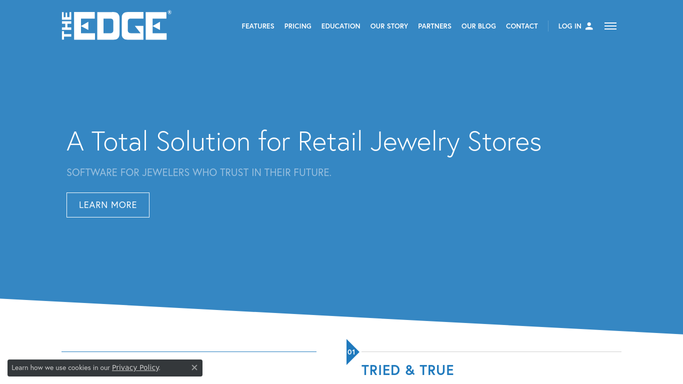
WebRun opens The Edge to pull yesterday's sales data. - Open The Edge and navigate to the Sales or End-of-Day report
- Pull total sales revenue, number of transactions, repair revenue collected, and layaway payments received for yesterday
- Capture top three SKUs or categories by revenue
Done when Yesterday's key sales metrics are captured from The Edge.
-
2
Jewel360 - cross-check category and margin data
jewel360.com

WebRun opens Jewel360 to cross-check category and margin data. - Open Jewel360 and review the prior-day sales summary for any additional category breakdown or margin data
- Note any new special orders placed or custom design deposits taken yesterday
Done when Supplemental category and order data is captured from Jewel360.
-
3
Slack - post morning sales digest
slack.com How to Automate Slack

WebRun opens Slack to post morning sales digest. - Compose a concise morning digest with total revenue, transaction count, repair and layaway income, and top categories
- Highlight any standout items, such as a single large sale or a category that outperformed
- Post the digest to your designated Slack channel so the team sees it before the store opens
Done when The daily sales digest is live in Slack before the store opens.
How is each run configured?
Secure by default
Connect once, stays signed in
WebRun signs in once and keeps each session in a persistent environment, so every run picks up right where it left off.
Every action is checked against this policy before it runs.
Questions, answered
Does it post to Slack automatically or does it need approval?
The daily sales digest is an internal report, so it posts to Slack automatically each morning. No customer-facing action is taken and no external message is sent.
Which metrics are included in the digest?
Total sales revenue, number of transactions, repair revenue collected, layaway payments received, and the top three categories or SKUs by revenue. You can add or remove fields during setup.
What if The Edge is not showing yesterday's data yet when the run starts?
It waits until the configured run time, typically 7:30 AM, by which point end-of-day data is normally closed. If data is missing, it posts a note to Slack flagging the gap instead of an incomplete report.
Related templates
Put this on autopilot.
Turn it on in minutes - or have our team set it up for you.