Route builder leads to the right estimator fast
Whenever a builder or general contractor emails a new job into your inbox, WebRun reads the scope, site, and timeline from the email in Gmail, creates a matching lead in FieldGroove, logs it to a shared Google Sheet, and pings the right estimator in Slack so no partner enquiry sits unanswered.
- No credit card
- Under $0.01 per run
- Cancel anytime
How do I route inbound builder leads to the right estimator automatically?
WebRun routes builder leads the moment they land. When a builder or general contractor emails a new job, WebRun reads the scope, site, and timeline in Gmail, creates a matching lead in FieldGroove, logs it to a shared Google Sheet, and pings the owning estimator in Slack, so partner enquiries reach the right person in minutes, not the next day.
- Partner enquiries reach an estimator in minutes
- Every lead lands in FieldGroove and the pipeline sheet
- No builder reply goes out without a human
Built for insulation contractors · new-construction installers · sales teams · estimators
What does WebRun do on every run?
The exact actions WebRun takes, in order - in plain language, so you can adjust anything.
-
WebRun signs in and gets to work
Opens
mail.google.comin a real browser with your saved login - no setup, no API keys. -
1
Gmail - read the inbound enquiry
gmail.com How to Automate Gmail

WebRun reads each inbound builder enquiry in Gmail. - Watch the inbox for new job enquiries from builders and general contractors
- Read the scope, site address, square footage, and timeline from the email
- Capture the sender, builder company, and any attachments referenced
Done when Each inbound builder enquiry has its scope and details extracted.
-
2
FieldGroove - create the lead
fieldgroove.com How to Automate FieldGroove
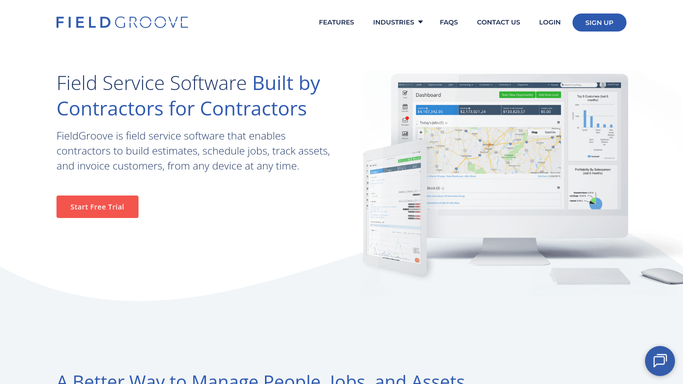
WebRun creates the builder lead in FieldGroove. - Open FieldGroove and create a new lead from the enquiry
- Fill the builder, site address, scope, and requested timeline
- Tag it by region or job type so it routes to the right estimator
Done when A FieldGroove lead exists for each enquiry with its scope and tags.
-
3
Google Sheets - log the partner lead
google.com How to Automate Google Sheets

WebRun logs each partner lead in Google Sheets. - Append the lead to a shared partner pipeline sheet
- Record the builder, scope, value estimate, and date received
- Mark it new so nothing is logged twice
Done when Every builder lead is a dated row in the partner pipeline sheet.
-
4
Slack - route to the estimator
slack.com How to Automate Slack

WebRun routes each new builder lead to the right estimator in Slack. - Post the new lead to the sales channel with scope and site
- At-mention the estimator who owns that region or job type
- Leave it for the estimator to action. Never reply to the builder directly
Done when The right estimator has the new builder lead in Slack.
How is each run configured?
Secure by default
Connect once, stays signed in
WebRun signs in once and keeps each session in a persistent environment, so every run picks up right where it left off.
Every action is checked against this policy before it runs.
Questions, answered
Will it reply to the builder without me?
No. WebRun creates the lead and routes it internally in Slack, but it never emails the builder or general contractor back on its own. Your estimator sends the first reply after reviewing the lead.
How does it decide which estimator gets the lead?
It reads the site region and job type from the enquiry and routes by the ownership rules you set, at-mentioning the estimator who covers that area so the right person picks it up.
What if the email is not actually a new job?
It only creates a lead when the email reads as a genuine job enquiry with a scope or site, and flags anything ambiguous for a human rather than creating a stray lead.
Related templates
Put this on autopilot.
Turn it on in minutes - or have our team set it up for you.