Catch Informatica pipeline failures fast
Every hour, WebRun opens Informatica, checks the latest mapping and workflow task runs, posts a Telegram digest naming anything that failed or stalled, and texts the on-call engineer through Twilio when the failure feeds a production system.
- No credit card
- Under $0.01 per run
- Cancel anytime
How do I catch Informatica ETL pipeline failures before they hit production?
WebRun checks Informatica ETL task runs every hour, posts a Telegram digest naming any workflow that failed or stalled, and sends a Twilio text to the on-call engineer when the failure feeds a production system. It separates routine failures from urgent ones, so the phone only buzzes when something downstream is actually at risk.
- Critical failures reach the on-call phone within the hour
- Routine failures stay in the digest instead of paging anyone
- Every alert names the exact workflow and downstream system at risk
Built for data engineering teams · ETL developers · data platform admins · IT operations
What does WebRun do on every run?
The exact actions WebRun takes, in order - in plain language, so you can adjust anything.
-
WebRun signs in and gets to work
Opens
informatica.comin a real browser with your saved login - no setup, no API keys. -
1
Informatica - check ETL job status
informatica.com
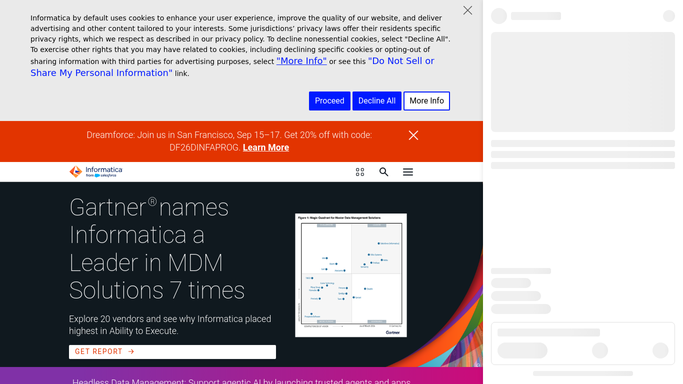
WebRun opens Informatica to check ETL job status. - Open Informatica and list the latest mapping and workflow task runs
- Check each task's status and row counts against its usual pattern
- Flag any task that failed or stalled
Done when Every scheduled task has a checked run status.
-
2
Telegram - post the failure digest
telegram.org How to Automate Telegram

WebRun posts to Telegram to share the failure digest. - Post a digest of failed and stalled tasks to the data operations group
- Name the workflow, the task, and the error for each
Done when The team has this hour's failure digest in Telegram.
-
3
Twilio - text critical failures
twilio.com How to Automate Twilio

WebRun uses Twilio to text critical failures. - Send a text to the on-call engineer for any task feeding a production system
- Name the workflow and the downstream system it affects
Done when The on-call engineer has a text for every critical failure.
How is each run configured?
Secure by default
Connect once, stays signed in
WebRun signs in once and keeps each session in a persistent environment, so every run picks up right where it left off.
Every action is checked against this policy before it runs.
Questions, answered
Will it restart or fix a failed task?
No. WebRun only reports the failure and alerts the right channel. Restarting a workflow or fixing the mapping is left to a human.
What makes a failure critical enough for a text?
Only tasks that feed a production system trigger a Twilio text. Everything else lands in the regular Telegram digest so the on-call phone isn't buzzing for routine failures.
What if a task recovers on its own retry?
It checks the latest run status each hour, so a task that's already recovered is skipped from both the digest and the text alert.
Related templates
Put this on autopilot.
Turn it on in minutes - or have our team set it up for you.