Greet new customers with a receipt confirmation
The moment a new customer's payment lands in iKhokha, WebRun captures their name, amount, and item from the transaction, drafts a friendly WhatsApp thank you with the receipt details for your approval, and holds it ready to send within minutes of the sale.
- No credit card
- Under $0.01 per run
- Cancel anytime
How do I send new customers a personal receipt confirmation after they pay through iKhokha?
The moment a new customer pays through iKhokha, WebRun drafts a warm WhatsApp thank you with their receipt details and holds it for your approval. It only triggers for a first-time payment, so returning customers aren't messaged again, and every draft is ready to send within minutes of the sale.
- Every first-time customer gets a personal thank you within minutes of paying
- No returning customer gets an unnecessary repeat message
- Every message is drafted for review, so nothing sends without your approval
Built for retail shop owners · salons and personal services · cafes and restaurants · market stall traders
What does WebRun do on every run?
The exact actions WebRun takes, in order - in plain language, so you can adjust anything.
-
WebRun signs in and gets to work
Opens
dashboard.ikhokha.comin a real browser with your saved login - no setup, no API keys. -
1
iKhokha - spot a new customer's payment
ikhokha.com How to Automate iKhokha
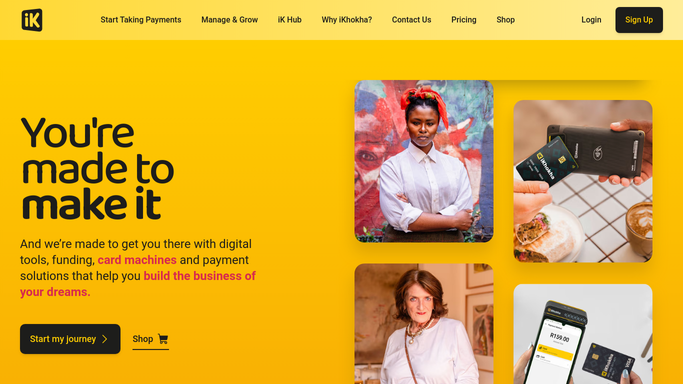
WebRun opens iKhokha to spot a new customer's payment. - Watch for a completed transaction from a contact not seen before
- Capture the customer's name, amount paid, and item or service if noted
- Skip repeat customers, they get their own separate follow up
Done when A new customer's transaction details are captured.
-
2
WhatsApp - draft a thank you with the receipt
whatsapp.com How to Automate WhatsApp

WebRun opens WhatsApp to draft a thank you with the receipt. - Draft a short, warm thank you message with the receipt details
- Leave the message unsent in the draft queue for your review
- Suggest a friendly line inviting them back
Done when A reviewable WhatsApp draft is ready. Nothing sends until you approve it.
How is each run configured?
Secure by default
Connect once, stays signed in
WebRun signs in once and keeps each session in a persistent environment, so every run picks up right where it left off.
Every action is checked against this policy before it runs.
Questions, answered
Will it message my customer without me checking first?
No, every thank you is drafted and held in WhatsApp for your review, so nothing reaches a customer until you approve and send it.
How does it know a customer is new?
It checks whether that contact has a payment on record with you before. If not, it's treated as a first-time sale.
Does iKhokha not already send a receipt?
iKhokha sends its own transaction receipt. This adds a personal, on-brand thank you alongside it, drafted and ready for you to send in minutes.
Related templates
Put this on autopilot.
Turn it on in minutes - or have our team set it up for you.