Keep every hospice patient's visit frequency on track
Every morning, WebRun opens WellSky, pulls each active patient's plan-of-care visit frequency, counts the completed visits for the current certification period, and writes a compliance summary to Google Sheets flagging any patient who is at risk of falling below their ordered frequency.
- No credit card
- Under $0.01 per run
- Cancel anytime
How do I automatically track whether hospice patients are receiving their ordered visit frequency?
WebRun opens WellSky each morning, reads every active patient's ordered visit frequency from the plan of care, counts completed visits by discipline, and writes a compliance summary to Google Sheets. Patients at risk of falling below their ordered frequency are flagged so the scheduling team can close the gap before the certification period ends.
- Frequency gaps caught daily before the certification period closes
- Scheduling team starts each day with a clear action list in Google Sheets
- Discharged patients excluded automatically from every compliance run
Built for hospice administrators · hospice schedulers · clinical directors · quality assurance teams
What does WebRun do on every run?
The exact actions WebRun takes, in order - in plain language, so you can adjust anything.
-
WebRun signs in and gets to work
Opens
wellsky.comin a real browser with your saved login - no setup, no API keys. -
1
WellSky - read visit orders and completed visit counts
wellsky.com How to Automate WellSky
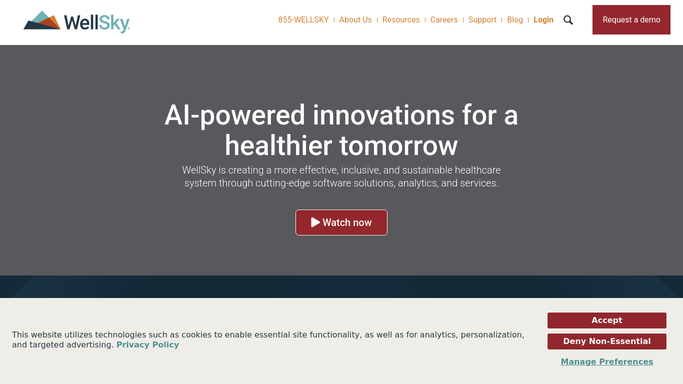
WebRun opens WellSky to read visit orders and completed visit counts. - Open WellSky and navigate to the active patient census
- For each patient, read the ordered visit frequency from the plan of care
- Count the visits completed so far in the current certification period by discipline
- Identify patients whose remaining visits cannot be completed at the current rate
Done when Every active patient has a completed visit count compared against their ordered frequency.
-
2
Google Sheets - log compliance status and flag gaps
google.com How to Automate Google Sheets

WebRun opens Google Sheets to log compliance status and flag gaps. - Write each patient row to the Visit Frequency Compliance sheet with ordered frequency, visits completed, visits remaining, and status
- Highlight rows where the patient is at risk of not meeting the ordered frequency in red
- Timestamp the run in the header row
Done when The Google Sheet shows today's visit frequency compliance status for every active patient.
How is each run configured?
Secure by default
Connect once, stays signed in
WebRun signs in once and keeps each session in a persistent environment, so every run picks up right where it left off.
Every action is checked against this policy before it runs.
Questions, answered
Does it reschedule visits automatically?
No. WebRun only identifies the compliance gap and logs it to Google Sheets. Your scheduling team reviews the sheet and decides which visits to add or reschedule.
Which disciplines does it track?
It reads the ordered frequency for every discipline recorded in the WellSky plan of care, including nursing, social work, chaplain, and aide visits.
What happens if a patient is discharged mid-period?
WebRun reads the live active census in WellSky each morning, so discharged patients are automatically excluded from the compliance check.
Related templates
Put this on autopilot.
Turn it on in minutes - or have our team set it up for you.