Ask the same research questions every week and keep the answers
Every Monday, WebRun opens Grok, asks your standing list of research questions word for word, captures each response with the date it was given, appends them as a new row per question in Google Sheets beside earlier weeks, and books a short review slot in Google Calendar so the shifts get read rather than piled up.
- No credit card
- Under $0.01 per run
- Cancel anytime
How do I track how AI answers to the same question change over time?
WebRun asks Grok your standing research questions every Monday, word for word, in a fresh conversation each time. It appends every answer as a dated row in Google Sheets beside earlier weeks and books a review slot in Google Calendar, so shifts in the answers read as a trend.
- The same questions asked identically every week, never drifting
- This week's answers sit beside last month's in one sheet
- A booked review slot means the log gets read, not just filled
Built for strategy teams · market researchers · founders · competitive intelligence analysts
What does WebRun do on every run?
The exact actions WebRun takes, in order - in plain language, so you can adjust anything.
-
WebRun signs in and gets to work
Opens
grok.comin a real browser with your saved login - no setup, no API keys. -
1
Grok - ask the standing questions
grok.com
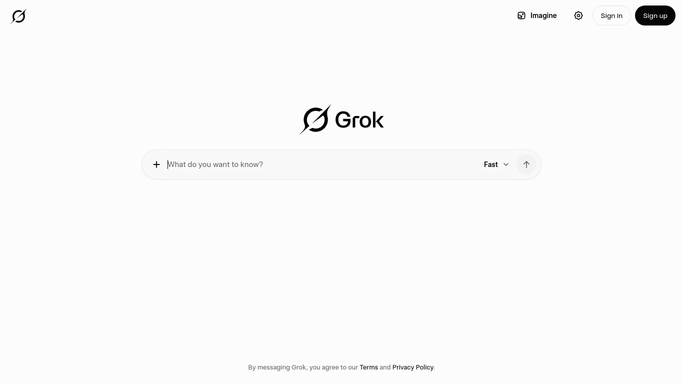
WebRun opens Grok to ask the standing questions. - Open Grok and start a fresh conversation so earlier context does not colour the answer
- Ask each standing question exactly as written, one per conversation
- Capture the full response and the date it was given
- Note any question the model declined or answered vaguely, and record that plainly
Done when Every standing question has this week's answer captured with its date.
-
2
Google Sheets - append this week's answers
google.com How to Automate Google Sheets

WebRun opens Google Sheets to append this week's answers. - Open the research log and add one dated row per question
- Paste this week's answer beside the question it belongs to
- Add a short note where the answer changed from last week
- Leave earlier rows untouched so the history stays intact
Done when This week's answers sit in the sheet next to previous weeks.
-
3
Google Calendar - book the review slot
calendar.google.com How to Automate Google Calendar

WebRun opens Google Calendar to book the review slot. - Add a short review slot later in the week
- Name it after the questions whose answers moved most
- Link the calendar entry to the sheet so the log opens in one click
Done when A review slot sits on the calendar pointing at this week's log.
How is each run configured?
Secure by default
Connect once, stays signed in
WebRun signs in once and keeps each session in a persistent environment, so every run picks up right where it left off.
Every action is checked against this policy before it runs.
Questions, answered
Does it publish or send anything?
No. The answers go into your own Google Sheet and a review slot goes on your calendar. Nothing is posted, emailed, or shared, so the log stays internal until you choose to use it.
Why ask the same questions every week?
Because a single answer is a snapshot and a column of dated answers is a trend. Asking word for word each Monday keeps the comparison honest instead of drifting with the wording.
What if the model gives a vague or refused answer?
WebRun records that plainly in the row rather than paraphrasing or filling the gap, so a week with no real answer is visible in the log instead of hidden.
Related templates
Put this on autopilot.
Turn it on in minutes - or have our team set it up for you.