See when your phone is actually busiest
Every Monday, WebRun opens Google Voice, reads the past week of call log entries, counts calls, missed calls, voicemails and texts by day and hour, writes the grid into Airtable beside previous weeks, and posts your busiest and worst-covered hours to Slack.
- No credit card
- Under $0.01 per run
- Cancel anytime
How do I find out which hours my business phone is busiest?
Every Monday WebRun opens Google Voice, reads the past week of call log entries, and counts calls, missed calls, voicemails and texts by day and hour. It writes the grid into Airtable beside previous weeks and posts your busiest and worst-covered hours to Slack.
- Phone cover is scheduled where the calls actually land
- The worst hours for missed calls are named every Monday
- A week-by-week trend builds in Airtable with no manual counting
Built for office managers · small business owners · clinics and practices · service businesses
What does WebRun do on every run?
The exact actions WebRun takes, in order - in plain language, so you can adjust anything.
-
WebRun signs in and gets to work
Opens
voice.google.comin a real browser with your saved login - no setup, no API keys. -
1
Google Voice - read the week's call log
voice.google.com
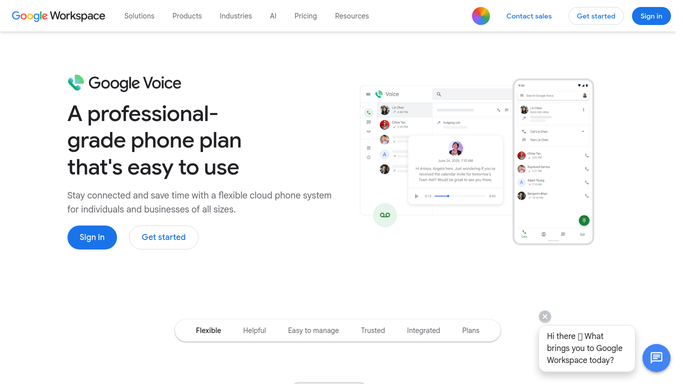
WebRun opens Google Voice to read the week's call log. - Open Google Voice and go to the call log for the past seven days
- Count answered calls, missed calls, voicemails and text messages, and total the call duration
- Bucket every entry by weekday and by hour of the day
- Read the log entries only. Never place a call, never send a text, and never open the body of a message
Done when The past week of call log activity is counted and bucketed by day and hour.
-
2
Airtable - log volume by day and hour
airtable.com How to Automate Airtable

WebRun opens Airtable to log volume by day and hour. - Add one row per day and hour with the calls, misses, voicemails, texts and total minutes
- Stamp the week so the new rows sit beside every previous week
- Work out the miss rate for each hour and store it on the row
Done when This week's grid is in Airtable with a miss rate on every day and hour row.
-
3
Slack - post the staffing picture
slack.com How to Automate Slack

WebRun opens Slack to post the staffing picture. - Post the week's shape to your operations channel
- Name the three busiest hours, the three worst hours for missed calls, and how both moved against last week
- Say plainly where cover is thin so the next rota can be adjusted
Done when The operations channel has the busiest hours and the worst miss rates for the week.
How is each run configured?
Secure by default
Connect once, stays signed in
WebRun signs in once and keeps each session in a persistent environment, so every run picks up right where it left off.
Every action is checked against this policy before it runs.
Questions, answered
Will it call or text anyone?
No. WebRun only reads the call log to count entries. It never places a call, never sends a text and never returns a voicemail, so nothing leaves your line during a run.
Does it read what callers said?
No. It counts the entries only: who called, when, how long, and whether it was answered. Message bodies and voicemail contents stay untouched.
How long before the trend is useful?
The first Slack post is useful immediately, and the Airtable table gets stronger every week because each run stacks a new week beside the last for comparison.
Related templates
Put this on autopilot.
Turn it on in minutes - or have our team set it up for you.