Turn today's meetings into searchable notes and a task list
Every evening, WebRun opens Fireflies, compiles the summaries and action items from every meeting transcribed that day into a Google Sheet action item tracker, and creates a searchable Notion page per meeting with the summary and transcript link, so nothing said in a call gets lost once the call ends.
- No credit card
- Under $0.01 per run
- Cancel anytime
How do I turn Fireflies meeting transcripts into tracked notes?
Every evening, WebRun opens Fireflies and compiles the summary and action items from every meeting transcribed that day. It logs the action items to a Google Sheet with an owner for each and creates a searchable Notion page per meeting with the summary and transcript link, so what got discussed and agreed on a call never disappears once everyone hangs up.
- Action items land in a tracker the same evening, not forgotten by morning
- Every meeting is searchable in Notion by account or project
- Open items stay visible until someone closes them
Built for sales teams · customer success · account management · revenue operations
What does WebRun do on every run?
The exact actions WebRun takes, in order - in plain language, so you can adjust anything.
-
WebRun signs in and gets to work
Opens
app.fireflies.aiin a real browser with your saved login - no setup, no API keys. -
1
Fireflies.ai - compile today's meeting summaries
fireflies.ai
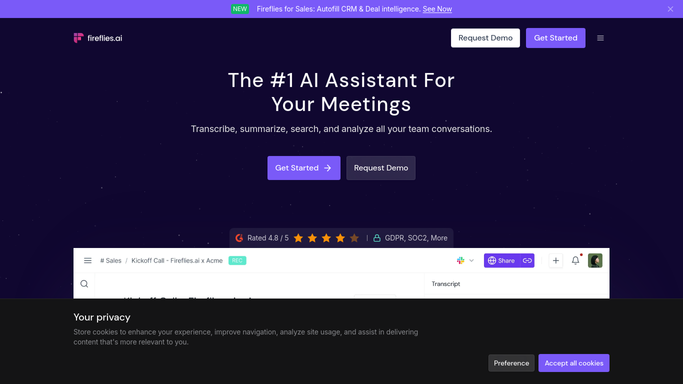
WebRun opens Fireflies.ai to compile today's meeting summaries. - Open Fireflies and review meetings transcribed today
- Pull the summary and action items from each meeting
- Note the meeting attendees and the account it relates to
Done when Every meeting transcribed today has its summary and action items captured.
-
2
Google Sheets - log action items
google.com How to Automate Google Sheets

WebRun opens Google Sheets to log action items. - Log each action item with its owner and the meeting it came from
- Mark every item as open by default
- Keep prior days' rows so open items stay visible until closed
Done when The action item tracker in Sheets reflects every item from today's meetings.
-
3
Notion - create searchable meeting notes
notion.so How to Automate Notion

WebRun opens Notion to create searchable meeting notes. - Create a page for each meeting with its summary and a link to the transcript
- Tag the page with the account or project it relates to
- File it under the right team workspace
Done when Every meeting from today has a searchable Notion page.
How is each run configured?
Secure by default
Connect once, stays signed in
WebRun signs in once and keeps each session in a persistent environment, so every run picks up right where it left off.
Every action is checked against this policy before it runs.
Questions, answered
Does it change anything in the meeting recording?
No. WebRun only reads the summary and transcript Fireflies has already generated. It does not edit, delete, or re-record anything.
Who is assigned each action item?
It reads the owner Fireflies already assigned during the meeting summary, so the tracker reflects what was actually agreed on the call, not a guess.
Can I find a specific meeting later?
Yes, each meeting gets its own Notion page tagged to the right account or project, so it is searchable long after the day it happened.
Related templates
Put this on autopilot.
Turn it on in minutes - or have our team set it up for you.