Send event reminders without the manual work
Every morning, WebRun checks Eventbrite for events happening in 7 days or tomorrow, drafts a reminder email campaign in Mailchimp for each event's attendees, and posts a summary to Slack for you to review and approve before anything is sent.
- No credit card
- Under $0.01 per run
- Cancel anytime
How can I automatically send event reminder emails to registered attendees?
Every morning, WebRun checks Eventbrite for events happening in 7 days or tomorrow, drafts a reminder email campaign in Mailchimp for each event's registered attendees, and posts a Slack summary for your review and approval before anything is sent.
- Attendees receive timely 7-day and 24-hour reminders automatically
- No reminder campaign goes out without human approval
- No-show rates reduced through consistent pre-event communication
Built for event planners · conference organisers · venue marketers · community managers
What does WebRun do on every run?
The exact actions WebRun takes, in order - in plain language, so you can adjust anything.
-
WebRun signs in and gets to work
Opens
www.eventbrite.com/organizations/eventsin a real browser with your saved login - no setup, no API keys. -
1
Eventbrite - identify events needing reminders
eventbrite.com
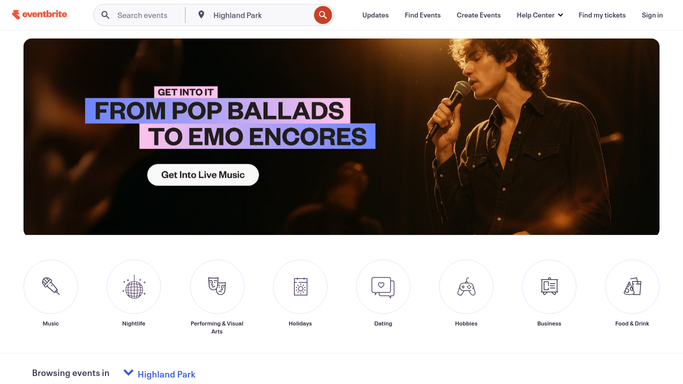
WebRun opens Eventbrite to identify events needing reminders. - Open Eventbrite and find events scheduled exactly 7 days and 1 day from today
- Export the attendee list for each qualifying event with names and email addresses
- Capture the event name, venue or Zoom link, start time, and any key instructions
Done when Events needing a reminder and their attendee lists are ready for the next step.
-
2
Mailchimp - draft reminder email campaigns
mailchimp.com How to Automate Mailchimp
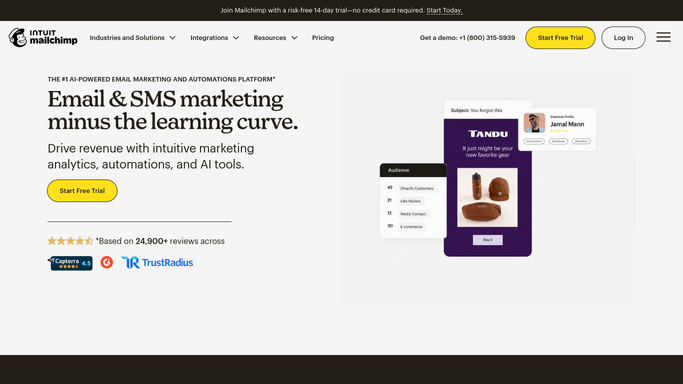
WebRun opens Mailchimp to draft reminder email campaigns. - Create a new Draft campaign in Mailchimp for each event reminder
- Personalise the subject line with the event name and countdown (e.g. 'Tomorrow: your ticket to…')
- Include venue or Zoom details, schedule highlights, and a one-click Add-to-Calendar link
- Leave the campaign as Draft - do not schedule or send without your approval
Done when A polished reminder campaign draft is staged in Mailchimp for each qualifying event.
-
3
Slack - post approval summary to you
slack.com How to Automate Slack

WebRun opens Slack to post approval summary to you. - Post a summary listing each event with its reminder type (7-day or 24-hour) and the link to the Mailchimp draft
- Flag any event with fewer than 10 registered attendees for your attention
Done when You have a Slack summary with links to every draft campaign ready for your sign-off.
How is each run configured?
Secure by default
Connect once, stays signed in
WebRun signs in once and keeps each session in a persistent environment, so every run picks up right where it left off.
Every action is checked against this policy before it runs.
Questions, answered
Will it email attendees on its own?
Never. Every campaign is staged as a Mailchimp Draft. You review the copy and click Send yourself - attendees receive nothing until you approve.
What if an attendee has already received a reminder?
It checks Mailchimp's send history and skips anyone who has already received the same reminder type for that event, so no one gets a duplicate.
Can I customise the reminder template?
Yes. Give WebRun your branded Mailchimp template ID in the plan and it will use your design and tone for every event reminder it drafts.
Related templates
Put this on autopilot.
Turn it on in minutes - or have our team set it up for you.