Flag stock that has dropped below its reorder level
Every morning, WebRun opens ERPNext, reads the stock balance for each item in every warehouse, compares it against that item's reorder level, builds a reorder list in Google Sheets with quantities and suppliers, and sends you a short Telegram alert naming what is about to run out.
- No credit card
- Under $0.01 per run
- Cancel anytime
How do I get alerted when stock falls below its reorder level?
WebRun opens ERPNext every morning and compares each item's stock balance against its reorder level, warehouse by warehouse. It writes the shortfalls into a Google Sheets reorder list, marks anything already on order, and sends a Telegram alert, so a reorder starts before a job is held up.
- Reorders start before a job is held up waiting on parts
- Items already on order are never chased twice
- A slow drift toward zero is visible days in advance
Built for stores managers · purchasing teams · manufacturers · wholesalers · small factories
What does WebRun do on every run?
The exact actions WebRun takes, in order - in plain language, so you can adjust anything.
-
WebRun signs in and gets to work
Opens
erpnext.comin a real browser with your saved login - no setup, no API keys. -
1
ERPNext - compare stock against reorder levels
erpnext.com
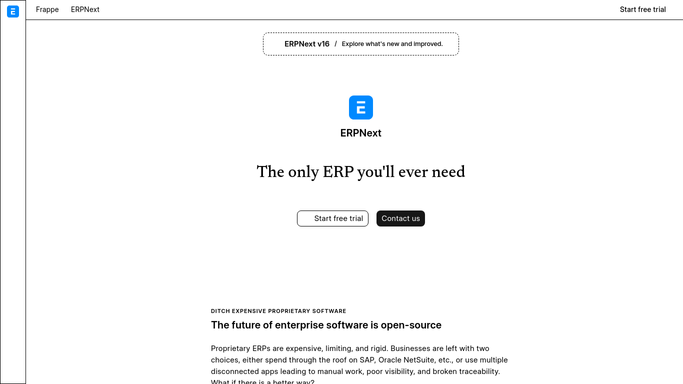
WebRun opens ERPNext to compare stock against reorder levels. - Open ERPNext and read the stock balance for each item by warehouse
- Compare every balance against the reorder level set on that item
- Capture the item code, the warehouse, the quantity on hand, and the shortfall
- Check for an open material request or purchase order already covering the item
- Read only. WebRun never submits a material request or a purchase order
Done when Every item below its reorder level is listed with its warehouse and shortfall.
-
2
Google Sheets - build the reorder list
google.com How to Automate Google Sheets

WebRun opens Google Sheets to build the reorder list. - Write today's reorder list into your purchasing sheet, one row per item and warehouse
- Record the quantity on hand, the reorder level, and the suggested reorder quantity
- Mark rows where a material request or purchase order is already open so nothing is ordered twice
- Keep yesterday's rows so the sheet shows how long an item has been short
Done when The purchasing sheet holds today's shortfalls with existing orders marked.
-
3
Telegram - alert on what is running out
telegram.org How to Automate Telegram

WebRun opens Telegram to alert on what is running out. - Send a short alert naming the items below their reorder level
- Put items with nothing on order and the biggest shortfall first
- Say how many days each item has been short so a slow drift is visible
- Leave raising the order to a human. WebRun only tells you what needs one
Done when You have today's low stock alert in Telegram.
How is each run configured?
Secure by default
Connect once, stays signed in
WebRun signs in once and keeps each session in a persistent environment, so every run picks up right where it left off.
Every action is checked against this policy before it runs.
Questions, answered
Will it raise a purchase order by itself?
No. WebRun reads stock levels and builds the reorder list. Creating and submitting a material request or purchase order stays a human step, so no supplier is committed to without approval.
How does it avoid flagging something already on order?
It checks ERPNext for an open material request or purchase order covering the item and marks those rows, so an item already handled is not chased again the next morning.
Does it work across multiple warehouses?
Yes. WebRun reads the balance per item per warehouse and compares each against the reorder level, so a shortfall in one location is not hidden by stock sitting in another.
Related templates
Put this on autopilot.
Turn it on in minutes - or have our team set it up for you.