Track annual cryostorage fees due for billing
Each month, WebRun reads the cryostorage module in nAbleIVF, finds patients whose annual storage-fee anniversary falls in the next 30 days, cross-checks QuickBooks to see who has already been invoiced, drafts an invoice and a polite fee reminder email for each remaining patient, and leaves both for billing staff to review before anything is sent.
- No credit card
- Under $0.01 per run
- Cancel anytime
How do I automatically track and bill annual IVF cryostorage storage fees?
WebRun reads the nAbleIVF cryostorage module each month and finds patients whose annual storage-fee anniversary is near. It cross-checks QuickBooks to skip anyone already billed, then drafts an invoice and a polite fee reminder email for each remaining patient, leaving both for billing staff to review and send, so no stored specimen sits unbilled.
- No stored specimen slips past its annual fee unbilled
- Duplicate invoices are avoided by a live QuickBooks check
- Every invoice and email is staff-approved before it goes out
Built for IVF clinic billing teams · fertility practice managers · cryostorage administrators · embryology lab finance staff
What does WebRun do on every run?
The exact actions WebRun takes, in order - in plain language, so you can adjust anything.
-
WebRun signs in and gets to work
Opens
www.nableivf.comin a real browser with your saved login - no setup, no API keys. -
1
nAbleIVF - find upcoming storage-fee anniversaries
nableivf.com How to Automate nAbleIVF
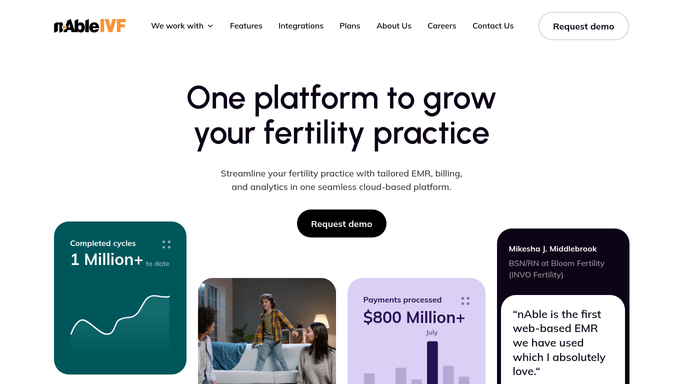
WebRun opens nAbleIVF to find upcoming storage-fee anniversaries. - Open nAbleIVF and go to the cryostorage module
- Find every patient with sperm, eggs, or embryos in storage whose annual fee anniversary falls in the next 30 days
- Capture the patient identifier, specimen types stored, and the anniversary date
- Note the agreed annual storage fee on file for each
Done when Every patient with a storage-fee anniversary in the next 30 days is listed with their fee.
-
2
QuickBooks - draft invoices for unbilled patients
- Check QuickBooks for an existing invoice this cycle for each patient
- Skip anyone already invoiced so no duplicate is raised
- Draft an annual storage-fee invoice for each remaining patient, do not send it yet
- Leave every draft invoice open for billing staff to review and issue
Done when A draft invoice awaits review for each unbilled patient, with duplicates skipped.
-
3
Gmail - draft fee reminder emails for review
gmail.com How to Automate Gmail

WebRun opens Gmail to draft fee reminder emails for review. - Draft a polite annual storage-fee reminder email for each patient, do not send it yet
- Keep it to the fee, the due date, and how to pay, with no clinical or specimen detail
- Leave every email unsent in Gmail for billing staff to review, personalize, and send
Done when A draft reminder email sits in Gmail for each patient, awaiting staff approval.
How is each run configured?
Secure by default
Connect once, stays signed in
WebRun signs in once and keeps each session in a persistent environment, so every run picks up right where it left off.
Every action is checked against this policy before it runs.
Questions, answered
Will it invoice or email patients on its own?
No. WebRun drafts the QuickBooks invoice and the Gmail reminder and leaves both for billing staff to review and send. Nothing is issued or emailed to a patient without a person approving it, so every charge stays a human decision.
How does it avoid billing someone twice?
It checks QuickBooks for an existing invoice this cycle before drafting a new one and skips anyone already billed. You can point it at your own storage-fee item so the draft matches the amount and description you already use.
Does the reminder email expose specimen or clinical details?
No. The draft email covers only the storage fee, the due date, and how to pay. It carries no specimen counts, diagnosis, or treatment detail, so a patient's clinical information stays inside nAbleIVF.
Related templates
Put this on autopilot.
Turn it on in minutes - or have our team set it up for you.