Hand your Douyu streamer's best moments to the clipping team
Every morning, WebRun reviews your sponsored Douyu streamer's broadcast from the day before, flags timestamps where viewer count spiked, logs them to Airtable with peak numbers, and emails the clipping team a ranked worklist.
- No credit card
- Under $0.01 per run
- Cancel anytime
How do I flag highlight moments from a sponsored Douyu stream for editing?
WebRun reviews your sponsored Douyu streamer's broadcast every morning, flags timestamps where viewer count spiked, and logs them to Airtable with peak numbers. It emails the clipping team a ranked worklist, so the team starts cutting from a shortlist instead of scrubbing through a full stream themselves.
- The clipping team starts from a ranked shortlist instead of a raw stream
- Highlight candidates are logged the morning after every broadcast
- Sponsorship content moves faster from stream to published clip
Built for Esports organizations · Brand sponsorship teams · Content and clipping teams · Talent agencies managing streamers
What does WebRun do on every run?
The exact actions WebRun takes, in order - in plain language, so you can adjust anything.
-
WebRun signs in and gets to work
Opens
www.douyu.comin a real browser with your saved login - no setup, no API keys. -
1
Douyu - review yesterday's stream for viewer spikes
douyu.com
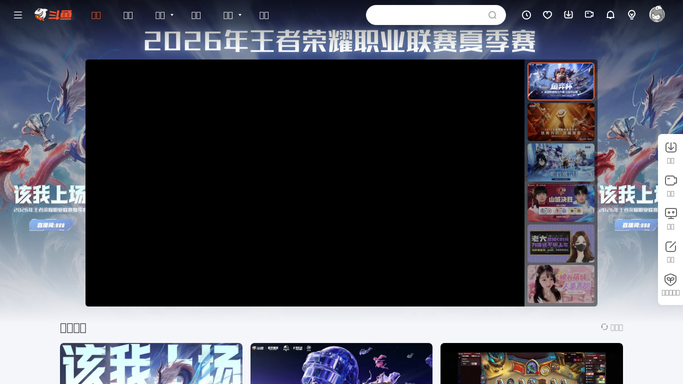
WebRun opens Douyu to review yesterday's stream for viewer spikes. - Open the sponsored streamer's channel and review yesterday's broadcast
- Note timestamps where viewer count spiked noticeably
- Record the stream duration and peak concurrent viewers
Done when Yesterday's stream has been reviewed for viewer spikes.
-
2
Airtable - log highlight timestamps
airtable.com How to Automate Airtable

WebRun opens Airtable to log highlight timestamps. - Add a row for each candidate timestamp with the spike detail
- Include peak viewers and the approximate time in the stream
- Keep a running log per streamer for the sponsorship period
Done when The highlight tracker holds every candidate timestamp from yesterday's stream.
-
3
Gmail - email the clipping team worklist
gmail.com How to Automate Gmail

WebRun opens Gmail to email the clipping team worklist. - Draft a worklist email listing candidate timestamps for the clipping team
- Note which ones look most promising by viewer spike size
- Send it to the clipping team
Done when The clipping team has today's highlight worklist in their inbox.
How is each run configured?
Secure by default
Connect once, stays signed in
WebRun signs in once and keeps each session in a persistent environment, so every run picks up right where it left off.
Every action is checked against this policy before it runs.
Questions, answered
Will it cut or publish any clips itself?
No. WebRun only flags candidate timestamps based on viewer activity. Actually cutting, editing, and publishing a clip is done by the clipping team.
How does it decide what's worth clipping?
It looks for moments where the viewer count spiked noticeably compared to the rest of the stream, since that usually signals something worth a second look.
Does it cover every stream automatically?
It covers the sponsored streamer's channel you've connected, so the worklist stays focused on the content relevant to the sponsorship.
Related templates
Put this on autopilot.
Turn it on in minutes - or have our team set it up for you.