Reach lapsing donors before they are gone for good
Every morning, WebRun opens DonorPerfect, finds donors whose recurring gift is about to lapse or who gave last year but have not given again this year, logs the full list to Airtable with the donor's giving history and value, and drafts a warm re-engagement email in Gmail for the highest value lapsing donors, leaving every draft unsent for the development team to personalize and send.
- No credit card
- Under $0.01 per run
- Cancel anytime
How do I reach lapsing donors before they stop giving?
Every morning, WebRun opens DonorPerfect and finds donors whose recurring gift is about to lapse or who have not given again this year, logging the list to Airtable with their giving history. It drafts a warm re-engagement email in Gmail for the highest value lapsing donors and leaves it unsent, so the development team can personalize and send before a donor is gone for good.
- Lapsing donors get a re-engagement draft before the gift actually lapses
- The highest value donors are prioritized first
- Donors who already gave again drop off the list automatically
Built for nonprofits · development teams · fundraising managers · donor relations
What does WebRun do on every run?
The exact actions WebRun takes, in order - in plain language, so you can adjust anything.
-
WebRun signs in and gets to work
Opens
donorperfect.comin a real browser with your saved login - no setup, no API keys. -
1
DonorPerfect - find donors whose gift is lapsing
donorperfect.com
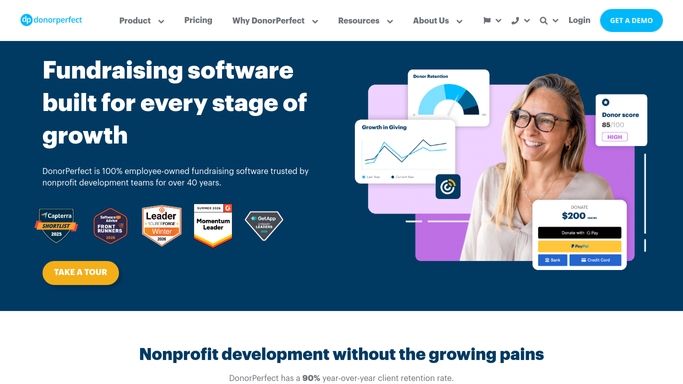
WebRun opens DonorPerfect to find donors whose gift is lapsing. - Open DonorPerfect and review donor giving history
- Flag recurring gifts about to lapse and annual donors who have not given this year
- Note each donor's prior giving value and last gift date
Done when Every lapsing or at risk donor has been identified with their giving history.
-
2
Airtable - log the lapsing donor list
airtable.com How to Automate Airtable

WebRun opens Airtable to log the lapsing donor list. - Log each lapsing donor with their giving history and value
- Sort so the highest value lapsing donors appear first
- Remove any donor who has given again since the last run
Done when The lapsing donor tracker in Airtable reflects today's DonorPerfect check.
-
3
Gmail - draft a re-engagement email
gmail.com How to Automate Gmail

WebRun opens Gmail to draft a re-engagement email. - Draft a warm, personal re-engagement email for the highest value lapsing donors
- Reference their prior giving and its impact where appropriate
- Save every message as a draft and leave it unsent for review
Done when A re-engagement draft sits in Gmail for every top lapsing donor.
How is each run configured?
Secure by default
Connect once, stays signed in
WebRun signs in once and keeps each session in a persistent environment, so every run picks up right where it left off.
Every action is checked against this policy before it runs.
Questions, answered
Will it email donors without anyone reviewing it?
No. WebRun only drafts the re-engagement email in Gmail and leaves it unsent. Someone on the development team reviews and personalizes every message before it goes out.
How does it decide a gift is lapsing?
It reads the actual giving history and recurring gift schedule in DonorPerfect, so a donor only appears once a recurring gift is genuinely due to lapse or a full year has passed without a new gift.
What if a donor gives again right after being flagged?
It reads the live giving record in DonorPerfect each morning, so a donor who gives again drops off the tracker automatically.
Related templates
Put this on autopilot.
Turn it on in minutes - or have our team set it up for you.