Chase unpaid freight invoices and keep your cash flow moving
Every Monday, WebRun opens Truckbase, finds freight invoices past their due date, cross-references payment status in QuickBooks, and drafts a polite payment reminder email in Gmail for each unpaid broker or shipper, ready for your review.
- No credit card
- Under $0.01 per run
- Cancel anytime
How do I automatically chase unpaid freight invoices from brokers and shippers?
WebRun opens Truckbase and QuickBooks every Monday, finds freight invoices that are past due and still unpaid, and drafts a professional payment reminder email in Gmail for each broker or shipper. You review and send the drafts, keeping your cash flow moving without manual invoice chasing.
- No overdue freight invoice goes without a follow-up for more than a week
- Cash flow improves as reminders go out consistently
- Dispatcher time spent manually writing reminder emails is eliminated
Built for freight dispatch services · trucking carriers · owner-operator dispatchers · carrier accounting teams
What does WebRun do on every run?
The exact actions WebRun takes, in order - in plain language, so you can adjust anything.
-
WebRun signs in and gets to work
Opens
app.truckbase.comin a real browser with your saved login - no setup, no API keys. -
1
Truckbase - find overdue freight invoices
truckbase.com How to Automate Truckbase
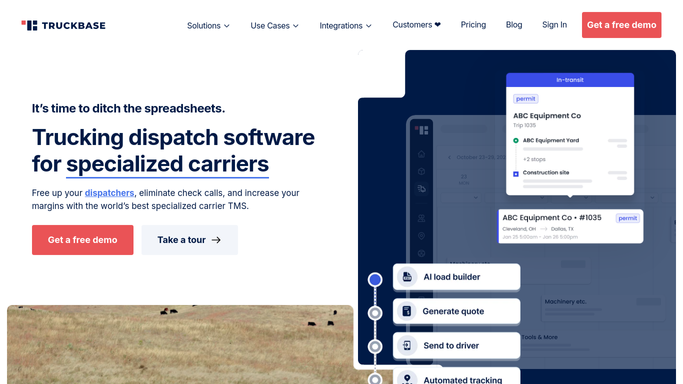
WebRun opens Truckbase to find overdue freight invoices. - Open Truckbase and filter invoices to Unpaid or Overdue status
- Capture the invoice number, broker or shipper name, amount, due date, and days overdue for each
- Skip any invoice already reminded within the past seven days
Done when Every overdue freight invoice is listed with broker, amount, and days past due.
-
2
QuickBooks - confirm unpaid status
- Cross-reference each flagged invoice in QuickBooks to confirm no payment has been recorded
- Note the outstanding balance per broker or shipper
Done when Payment status is confirmed in QuickBooks for every flagged invoice.
-
3
Gmail - draft payment reminder per broker
gmail.com How to Automate Gmail

WebRun opens Gmail to draft payment reminder per broker. - Draft a professional, on-brand payment reminder email for each unpaid broker or shipper
- Include the invoice number, amount, due date, and days overdue
- Save each draft in Gmail for your review. Do not send without human approval
Done when A draft reminder email is queued in Gmail for every overdue invoice.
How is each run configured?
Secure by default
Connect once, stays signed in
WebRun signs in once and keeps each session in a persistent environment, so every run picks up right where it left off.
Every action is checked against this policy before it runs.
Questions, answered
Will it email brokers or shippers without my approval?
No. WebRun drafts every reminder and saves it in Gmail for your review. No email is sent until you approve it, so you stay in control of every financial communication.
How does it avoid reminding the same broker twice in one week?
It tracks the last reminder date per invoice and skips any that were already chased within the past seven days, so brokers are not contacted more than once per week.
What if a payment comes in between runs?
WebRun confirms payment status in QuickBooks on each run. If a payment has been recorded since the last run, that invoice is skipped and no reminder is drafted.
Related templates
Put this on autopilot.
Turn it on in minutes - or have our team set it up for you.