Stop client share links dying mid project
Every Monday, WebRun opens DigiBoxx, walks your shared files and folders, records each active share link with its expiry date, password setting, and download permission, writes the list into Google Sheets, and posts the links lapsing this week to Microsoft Teams.
- No credit card
- Under $0.01 per run
- Cancel anytime
How do I track which DigiBoxx share links are about to expire?
Every Monday, WebRun opens DigiBoxx, reads every active share link with its expiry date, password setting, and download permission, and flags the links that lapse this week. It writes the list into Google Sheets and posts the urgent ones to Microsoft Teams, so no client hits a dead link on deadline day.
- Clients never open a dead link on deadline day
- Unprotected share links get spotted the week they go out
- One sheet shows every live link, its recipient, and its expiry date
Built for design studios · agencies · media production teams · consultants sending client files
What does WebRun do on every run?
The exact actions WebRun takes, in order - in plain language, so you can adjust anything.
-
WebRun signs in and gets to work
Opens
www.digiboxx.comin a real browser with your saved login - no setup, no API keys. -
1
DigiBoxx - read every active share link
digiboxx.com
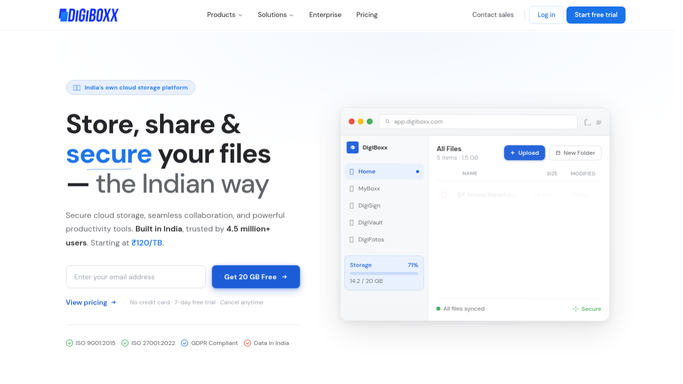
WebRun opens DigiBoxx to read every active share link. - Open DigiBoxx and go through the files and folders you have shared
- Capture each active share link with the file or folder name and who it went to
- Record the link expiry date, whether password protection is on, and whether download is allowed
- Mark links that expire within the next seven days
Done when Every active share link is captured with its expiry date and protection settings.
-
2
Google Sheets - log expiry and protection
google.com How to Automate Google Sheets

WebRun opens Google Sheets to log expiry and protection. - Write one row per share link into your tracking sheet in Google Sheets
- Fill in the file, recipient, expiry date, password setting, and download permission
- Sort the sheet so the soonest expiry sits at the top
- Keep last week's rows so you can see which links you already renewed
Done when The sheet holds every live link, sorted by how soon it expires.
-
3
Microsoft Teams - flag links lapsing this week
microsoft.com How to Automate Microsoft Teams

WebRun opens Microsoft Teams to flag links lapsing this week. - Post the links expiring in the next seven days to your project channel in Microsoft Teams
- List separately any link that is open with no password on it
- Name the client or recipient beside each one so the owner knows to act
- Leave extending or revoking a link to a person. WebRun never changes a share setting
Done when The team has this week's expiring and unprotected links in Teams.
How is each run configured?
Secure by default
Connect once, stays signed in
WebRun signs in once and keeps each session in a persistent environment, so every run picks up right where it left off.
Every action is checked against this policy before it runs.
Questions, answered
Will it extend or revoke my share links?
No. WebRun only reads the link settings and reports them. Extending an expiry, adding a password, or revoking a link stays a manual decision, so a client link is never cut off without you meaning it.
How does it know which links are unprotected?
It reads the password protection and download permission on each share link in DigiBoxx and lists any link that is open with no password, separately from the expiry list.
What about links I created and already let expire?
Expired links drop out of the weekly alert and stay in the Google Sheets log with their date, so you keep the history without them cluttering the list to act on.
Related templates
Put this on autopilot.
Turn it on in minutes - or have our team set it up for you.