Set up a new analyst's Deepnote workspace for you
Whenever a new analyst joins, WebRun opens Deepnote, checks they have access to the team workspace and starter notebooks, creates a matching starter folder with sample datasets in Google Drive, and announces the new setup in Slack so the team knows to welcome them.
- No credit card
- Under $0.01 per run
- Cancel anytime
How do I set up a new analyst's Deepnote workspace automatically?
Whenever a new analyst joins, WebRun confirms their Deepnote workspace access, creates a matching starter folder with sample datasets in Google Drive, and announces the ready setup in Slack. Data teams get every new analyst's environment ready on day one instead of piecing it together over their first week.
- A new analyst's workspace is ready on day one, not week one
- The team is notified automatically so nobody forgets a welcome
- Every onboarding follows the same checklist, not memory
Built for data team managers · analytics teams · data science teams
What does WebRun do on every run?
The exact actions WebRun takes, in order - in plain language, so you can adjust anything.
-
WebRun signs in and gets to work
Opens
deepnote.comin a real browser with your saved login - no setup, no API keys. -
1
Deepnote - check workspace access
deepnote.com
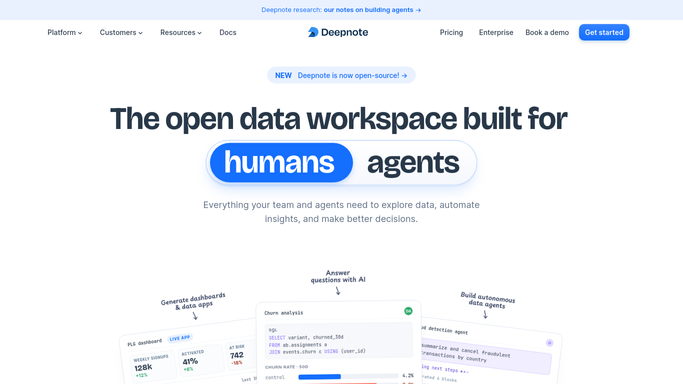
WebRun opens Deepnote to check workspace access. - Open Deepnote and check the new analyst has been added to the team workspace
- Confirm they have access to the shared starter notebooks
- Note any project they should be added to based on their role
Done when The new analyst's Deepnote access is confirmed.
-
2
Google Drive - create a starter folder
drive.google.com How to Automate Google Drive

WebRun opens Google Drive to create a starter folder. - Open the team drive in Google Drive
- Create a starter folder for the new analyst with sample datasets and docs
- Share the folder with their account
Done when The starter folder is created and shared.
-
3
Slack - announce the setup
slack.com How to Automate Slack

WebRun opens Slack to announce the setup. - Open the team channel in Slack
- Announce that the new analyst's Deepnote workspace and Drive folder are ready
- Tag their onboarding buddy
Done when The team has been told the new analyst is set up.
How is each run configured?
Secure by default
Connect once, stays signed in
WebRun signs in once and keeps each session in a persistent environment, so every run picks up right where it left off.
Every action is checked against this policy before it runs.
Questions, answered
Does WebRun invite the analyst to Deepnote itself?
No. It checks and confirms access that's already been granted. Sending the actual workspace invite stays an admin's deliberate step.
What goes in the starter folder?
Whatever sample datasets and reference docs your team keeps for onboarding. WebRun copies your existing template folder, it doesn't invent content.
Does this run on a schedule?
No. It runs whenever a new analyst is added to the team, not on a fixed clock, so setup happens right when it's needed.
Related templates
Put this on autopilot.
Turn it on in minutes - or have our team set it up for you.