Catch Dagster pipeline failures immediately
Every hour, WebRun opens Dagster, checks runs from the last hour across your jobs for failures, posts a Slack alert naming the job and the failed asset, and sends a Telegram escalation for any job that's failed more than once today.
- No credit card
- Under $0.01 per run
- Cancel anytime
How do I get alerted immediately when a Dagster pipeline fails?
WebRun checks Dagster runs every hour across your jobs, reading each run's status and any failed asset materialization. A failure posts a Slack alert naming the job and the asset, and a job failing more than once the same day escalates to Telegram, so a genuinely broken pipeline gets noticed instead of buried in routine alerts.
- Failed runs get a Slack alert within the hour, not at next standup
- Repeatedly failing jobs get a separate escalation, not lost in the noise
- Recovered jobs clear themselves from alerts automatically
Built for data engineering teams · analytics engineers · platform engineers · data platform admins
What does WebRun do on every run?
The exact actions WebRun takes, in order - in plain language, so you can adjust anything.
-
WebRun signs in and gets to work
Opens
dagster.cloudin a real browser with your saved login - no setup, no API keys. -
1
Dagster - check asset and job run status
dagster.io
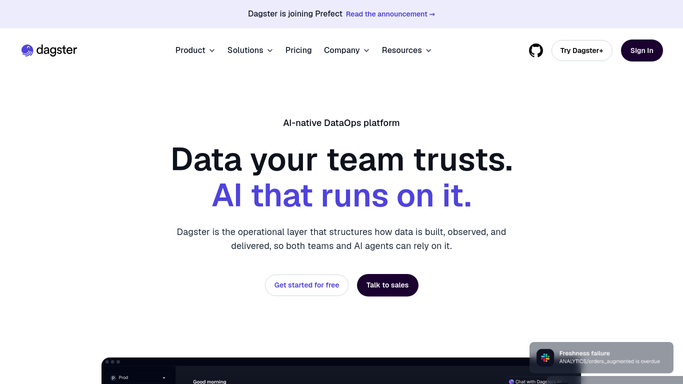
WebRun opens Dagster to check asset and job run status. - Open Dagster and list runs from the last hour across jobs
- Check each run's status and any failed asset materialization
- Note any job that's failed more than once today
Done when Every run from the last hour has a checked status.
-
2
Slack - alert on failure
slack.com How to Automate Slack

WebRun posts to Slack to alert on failure. - Post an alert to the data engineering channel naming the job and the failed asset
- Include a link to the run
Done when The team has a Slack alert for every failed run.
-
3
Telegram - escalate repeat failures
telegram.org How to Automate Telegram

WebRun sends a Telegram message to escalate repeat failures. - Send a Telegram message for any job that's failed more than once today
- Name the job and the recurring failure
Done when Every repeatedly failing job has a Telegram escalation.
How is each run configured?
Secure by default
Connect once, stays signed in
WebRun signs in once and keeps each session in a persistent environment, so every run picks up right where it left off.
Every action is checked against this policy before it runs.
Questions, answered
Will it retry the run or fix the asset on its own?
No. WebRun only reports the failure and escalates what's persistent. Retrying a run or fixing the underlying code is left to a human.
Why escalate to Telegram instead of just Slack?
A single failure shows up in the regular Slack alert. A job failing more than once the same day gets a separate Telegram message so a real pattern doesn't get lost in routine noise.
What if the job recovers on the next run?
It checks the latest run status each hour, so a job that's back to succeeding drops out of both the alert and the escalation automatically.
Related templates
Put this on autopilot.
Turn it on in minutes - or have our team set it up for you.