Draft a complete temperature claim evidence packet from Tive data
Every morning, WebRun checks Tive for any closed shipments with unresolved excursion events, pulls the full sensor log including temperature trace, location timeline, and shock events for each, assembles a structured claim evidence packet in Google Sheets, and flags it for your review before any submission to a carrier or insurer.
- No credit card
- Under $0.01 per run
- Cancel anytime
How do I automatically compile a temperature excursion claim evidence packet from Tive?
Every morning, WebRun identifies Tive shipments with unresolved excursion events, pulls the full sensor log including temperature trace, GPS location at time of excursion, and shock events, then assembles a structured claim evidence packet in Google Sheets marked as a draft. A human reviews and approves the packet before any submission to a carrier or insurer.
- Complete sensor evidence assembled automatically without manual data pulls
- Every claim packet marked as draft pending review before submission
- Full temperature trace from pickup to delivery included in every packet
Built for cold chain claims managers · pharmaceutical logistics teams · food safety claims teams · freight insurance coordinators
What does WebRun do on every run?
The exact actions WebRun takes, in order - in plain language, so you can adjust anything.
-
WebRun signs in and gets to work
Opens
platform.tive.comin a real browser with your saved login - no setup, no API keys. -
1
Tive - pull full excursion sensor log
tive.com How to Automate Tive
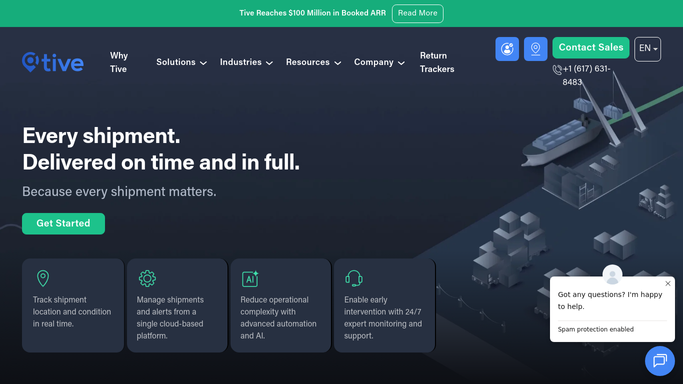
WebRun opens Tive to pull full excursion sensor log. - Open platform.tive.com and identify any recently closed shipments that had a temperature excursion not yet resolved as a claim
- For each shipment, export the full sensor log: temperature trace at 5-minute intervals, excursion start and end timestamps, max deviation from threshold, GPS location at time of excursion, shock events, and humidity trace
- Capture shipment metadata: tracker ID, origin, destination, carrier, and planned versus actual delivery times
Done when Full sensor evidence is captured for every shipment requiring a claim packet.
-
2
Google Sheets - assemble draft claim evidence packet
google.com How to Automate Google Sheets

WebRun opens Google Sheets to assemble draft claim evidence packet. - Create a new tab in the claims Google Sheet named with the shipment ID and date
- Write the shipment metadata, excursion summary, and full sensor trace in structured columns
- Add a cover summary row with the total excursion duration, maximum deviation, and claim-relevant timestamps
- Mark the tab as DRAFT - PENDING REVIEW so it is not submitted without human approval
Done when A complete, clearly marked draft claim evidence packet exists in Google Sheets for each affected shipment.
How is each run configured?
Secure by default
Connect once, stays signed in
WebRun signs in once and keeps each session in a persistent environment, so every run picks up right where it left off.
Every action is checked against this policy before it runs.
Questions, answered
Will it file the claim with the carrier automatically?
No. WebRun drafts the evidence packet in Google Sheets and marks it clearly as pending review. Filing or submitting the claim to a carrier or insurer requires a human to review and initiate. Nothing is submitted automatically.
How far back does the sensor log go?
WebRun pulls the full sensor log for the shipment's entire transit, not just the excursion window, so the evidence packet covers the complete temperature history from pickup to delivery.
Can I run this for a specific shipment on demand?
Yes. The scheduled run covers recently closed shipments automatically, but you can also trigger WebRun for a specific shipment ID at any time to generate an evidence packet on demand.
Related templates
Put this on autopilot.
Turn it on in minutes - or have our team set it up for you.