Put last week's revenue movements in front of everyone
Every Monday, WebRun opens ChartMogul, reads last week's MRR movements across new business, expansion, contraction, and churn, names the subscriptions behind each, writes a dated file into Google Drive, and sends the headline numbers to your team on WhatsApp.
- No credit card
- Under $0.01 per run
- Cancel anytime
How do I share weekly MRR movement numbers with the whole team?
Every Monday WebRun opens ChartMogul and reads last week's MRR movements: new business, expansion, contraction, and churn. It writes the breakdown into a dated Google Drive file and sends the headline numbers to WhatsApp, so sales, support, and finance all work from the same revenue picture.
- Every function reads the same weekly revenue file
- New, expansion, contraction, and churn arrive together, not just churn spikes
- Account-level detail sits behind every headline number
Built for SaaS finance teams · revenue operations · founders · customer success leads
What does WebRun do on every run?
The exact actions WebRun takes, in order - in plain language, so you can adjust anything.
-
WebRun signs in and gets to work
Opens
app.chartmogul.comin a real browser with your saved login - no setup, no API keys. -
1
ChartMogul - read last week's MRR movements
chartmogul.com
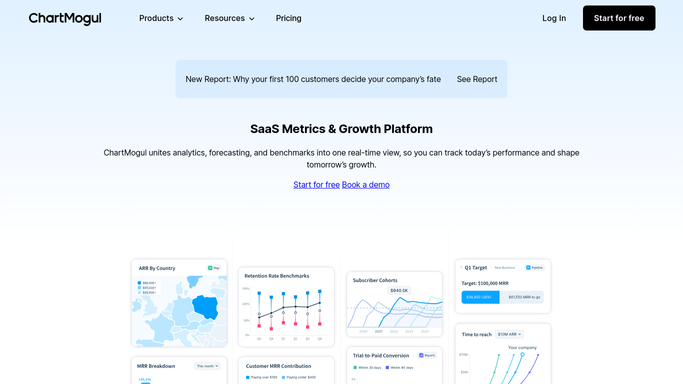
WebRun opens ChartMogul to read last week's MRR movements. - Open ChartMogul and set the period to the week that just closed
- Read the MRR movement split: new business, expansion, contraction, and churn
- Capture the customers and subscriptions behind each movement, plus the net change
Done when Last week's movement split is captured with the accounts behind each line.
-
2
Google Drive - file the dated breakdown
drive.google.com How to Automate Google Drive

WebRun opens Google Drive to file the dated breakdown. - Write a dated file into your revenue folder in Google Drive
- Put the four movement totals up top and the account-level detail underneath
- Add the same week last month for comparison, so the trend is visible without extra work
Done when This week's movement file is in Google Drive with its account detail.
-
3
WhatsApp - share the headline numbers
whatsapp.com How to Automate WhatsApp

WebRun opens WhatsApp to share the headline numbers. - Send the four headline numbers and the net MRR change to your team group
- Name the largest single expansion and the largest single churn
- Link the Google Drive file for anyone who wants the account-level detail
Done when The team has this week's headline numbers and a link to the full file.
How is each run configured?
Secure by default
Connect once, stays signed in
WebRun signs in once and keeps each session in a persistent environment, so every run picks up right where it left off.
Every action is checked against this policy before it runs.
Questions, answered
Does it change anything in ChartMogul?
No. WebRun only reads the movement figures and the accounts behind them. It never edits a subscription, a customer record, or a metric definition in ChartMogul.
Will it message customers about churn?
No. The only messages it sends are internal: a Google Drive file and a WhatsApp note to your own team. Nothing goes to a customer at any point.
Which week does it report on?
The week that just closed, Monday to Sunday by default. Change the window at setup and every run uses it, so the files line up week after week.
Related templates
Put this on autopilot.
Turn it on in minutes - or have our team set it up for you.