Gather the order proof behind every dispute
Every morning, WebRun opens Chargeflow, reads the open chargebacks, looks up each matching order in Shopify, and collects the order details, tracking number, delivery status, and customer notes into a per-dispute evidence sheet ready for your rebuttal.
- No credit card
- Under $0.01 per run
- Cancel anytime
 Shopify
pull the order proof
Shopify
pull the order proof
How do I collect order and delivery evidence for each chargeback?
WebRun assembles chargeback evidence for you each morning. It reads the open disputes in Chargeflow, looks up each order in Shopify, and writes the order, tracking, delivery proof, and address match into a per-dispute evidence sheet in Google Sheets, so your team builds every rebuttal from complete facts instead of chasing them by hand.
- Every rebuttal starts from a complete evidence row
- Missing tracking or delivery proof is flagged before filing
- Analysts stop hand-collecting order data for each dispute
Built for ecommerce merchants · Shopify sellers · dispute analysts · finance operations
What does WebRun do on every run?
The exact actions WebRun takes, in order - in plain language, so you can adjust anything.
-
WebRun signs in and gets to work
Opens
app.chargeflow.ioin a real browser with your saved login - no setup, no API keys. -
1
Chargeflow - read open disputes
chargeflow.io How to Automate Chargeflow
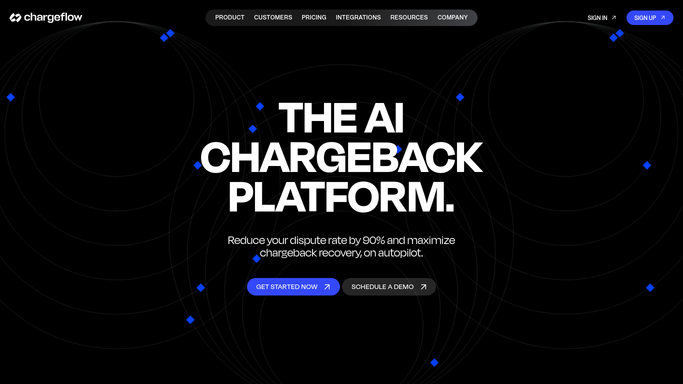
WebRun opens Chargeflow to read the open disputes. - Open the Chargeflow dashboard and list disputes still gathering evidence
- Capture the order reference, amount, and reason code for each
- Note which disputes are missing an order match so they can be flagged
Done when Every open dispute has its order reference and reason code captured.
-
2
Shopify - pull the order proof
WebRun opens Shopify to pull the order proof. - Open each order in Shopify by its reference
- Copy the fulfillment status, tracking number, carrier, and delivery confirmation
- Capture the billing and shipping match, IP, and any customer service notes
Done when Each dispute has its order, fulfillment, and delivery proof pulled from Shopify.
-
3
Google Sheets - build the evidence sheet
google.com How to Automate Google Sheets

WebRun opens Google Sheets to build the evidence sheet. - Write one row per dispute into the evidence sheet
- Include the order, tracking, delivery status, address match, and reason code
- Highlight rows missing tracking or delivery proof so a human can chase them
Done when The evidence sheet has a complete row for every open dispute.
How is each run configured?
Secure by default
Connect once, stays signed in
WebRun signs in once and keeps each session in a persistent environment, so every run picks up right where it left off.
Shopify
Sign in once
Every action is checked against this policy before it runs.
Questions, answered
Does it submit the evidence to the bank?
No. This workflow only assembles the proof into a sheet for your team. Writing and submitting the rebuttal to the card network stays a separate, human-approved step, so nothing is filed automatically.
What if an order cannot be matched to a dispute?
WebRun highlights that row in the evidence sheet as missing a match, so a person can look it up by name or email rather than letting the dispute go out with a gap.
Which proof does it collect?
It collects the order details, fulfillment and tracking, delivery confirmation, billing and shipping address match, and any customer notes in Shopify, the core facts a strong chargeback rebuttal needs.
Related templates
Shopify›Put this on autopilot.
Turn it on in minutes - or have our team set it up for you.