Get every new teammate into the right conversations on day one
When a new member or guest appears in your Chanty team, WebRun checks which public conversations their role should be in, adds them, gathers the pinned messages they need to read, records the whole setup in Airtable, and messages the admin on WhatsApp about anything left over.
- No credit card
- Under $0.01 per run
- Cancel anytime
How do I onboard a new teammate into the right chat channels?
When a new member or guest joins your Chanty team, WebRun adds them to the public conversations their role needs, gathers the pinned messages that give them context, and logs the whole setup in Airtable. It then messages the workspace admin on WhatsApp listing the private spaces still waiting on a human invite.
- New teammates are in the right conversations before their first post
- Nobody spends week one asking to be invited
- Private spaces are flagged for a human rather than joined automatically
Built for workspace admins · IT teams · operations managers · growing startups
What does WebRun do on every run?
The exact actions WebRun takes, in order - in plain language, so you can adjust anything.
-
WebRun signs in and gets to work
Opens
www.chanty.comin a real browser with your saved login - no setup, no API keys. -
1
Chanty - add the new member to the right conversations
chanty.com
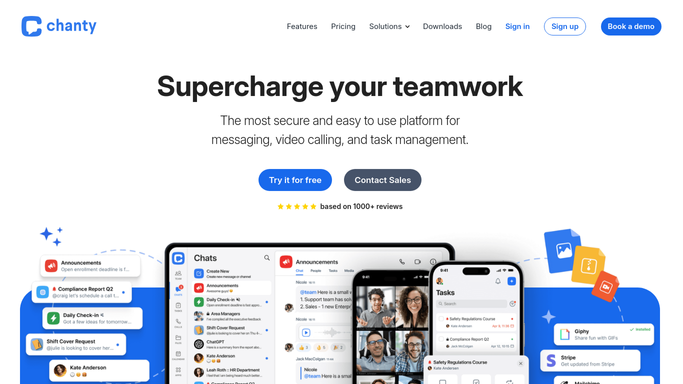
WebRun opens Chanty to add the new member to the right conversations. - Open Chanty and find the team member or guest added since the last run
- Read their role from the onboarding rules you set
- Add them to the public conversations that role belongs in
- Collect the pinned messages in each of those conversations so they have the context
- List any private conversation or Teambook task board that needs an owner's invite, and leave that invite for a human
Done when The new member is in every public conversation their role calls for.
-
2
Airtable - log the onboarding record
airtable.com How to Automate Airtable

WebRun opens Airtable to log the onboarding record. - Create an onboarding row for the new teammate with their name, role and start date
- Record every conversation they were added to and the pinned messages collected
- Mark the private conversations and Teambook boards still waiting on an owner
- Leave the row open until the outstanding items are ticked off
Done when Airtable holds a complete onboarding record for the new teammate.
-
3
WhatsApp - tell the admin what still needs a human
whatsapp.com How to Automate WhatsApp

WebRun opens WhatsApp to tell the admin what still needs a human. - Message the workspace admin with the new teammate's name and role
- List the conversations they were added to
- Name the private conversations and Teambook boards that still need an owner to invite them
- Keep the message internal: WebRun never messages the new teammate
Done when The admin knows what was done and what is left.
How is each run configured?
Secure by default
Connect once, stays signed in
WebRun signs in once and keeps each session in a persistent environment, so every run picks up right where it left off.
Every action is checked against this policy before it runs.
Questions, answered
Will it add people to private conversations?
No. WebRun only joins the new teammate to public conversations their role calls for. Private conversations are listed for the owner to invite them, so nobody lands in a confidential thread by accident.
Does it message the new teammate?
No. Every message goes to the workspace admin on WhatsApp. The welcome note stays with a human, so the new teammate's first message comes from a person on the team.
How does it know which conversations a role needs?
From the onboarding rules you set once: a list of public conversations per role. WebRun reads the new member's role in Chanty and matches it against that list on every run.
Related templates
Put this on autopilot.
Turn it on in minutes - or have our team set it up for you.