Generate your quarterly IFTA mileage report without the spreadsheet grind
Each week, WebRun opens Motive, pulls the latest GPS-verified miles driven by jurisdiction for every vehicle, adds them to a running IFTA summary in Google Sheets, and flags any jurisdiction with gaps so you enter the quarter with clean, file-ready data.
- No credit card
- Under $0.01 per run
- Cancel anytime
How can I automate IFTA mileage reporting from Motive?
WebRun opens Motive every week, pulls GPS-verified miles driven by jurisdiction for every vehicle, and updates a running IFTA summary in Google Sheets. Gaps are flagged for review so you enter each filing deadline with clean, complete data and hand your tax preparer a sheet that is ready to file.
- Quarterly IFTA data is collected weekly so filing is never a last-minute scramble
- Jurisdiction gaps are flagged before the deadline for easy correction
- Tax preparer receives a complete, file-ready Google Sheet each quarter
Built for trucking carriers · owner-operators · fleet managers · transportation accountants
What does WebRun do on every run?
The exact actions WebRun takes, in order - in plain language, so you can adjust anything.
-
WebRun signs in and gets to work
Opens
app.gomotive.comin a real browser with your saved login - no setup, no API keys. -
1
Motive - export mileage by jurisdiction
gomotive.com How to Automate Motive
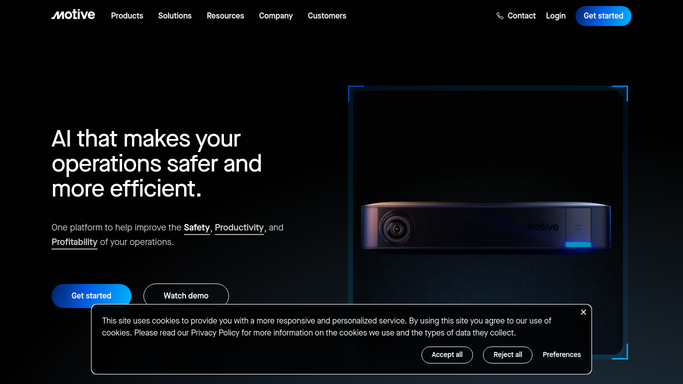
WebRun opens Motive to export mileage by jurisdiction. - Open Motive and navigate to the IFTA Reporting section
- Select the current quarter date range for all vehicles in the fleet
- Export mileage totals broken down by jurisdiction for each vehicle
- Note any vehicles with missing GPS data or jurisdiction gaps
Done when Mileage by jurisdiction is captured for every active vehicle in the fleet.
-
2
Google Sheets - update running IFTA summary
google.com How to Automate Google Sheets

WebRun opens Google Sheets to update running IFTA summary. - Open the IFTA summary sheet and update each jurisdiction row with the latest mileage figures
- Flag any jurisdiction row where mileage appears incomplete or zero unexpectedly
- Recalculate quarterly totals by state and province
- Add a notes column entry for any vehicle with data gaps requiring manual review
Done when IFTA summary sheet is updated with current quarter mileage, gaps flagged for review.
How is each run configured?
Secure by default
Connect once, stays signed in
WebRun signs in once and keeps each session in a persistent environment, so every run picks up right where it left off.
Every action is checked against this policy before it runs.
Questions, answered
Will it file my IFTA return automatically?
No. WebRun compiles and organizes the mileage data in Google Sheets, but the actual tax filing is left for you or your tax preparer to submit, since it involves money and legal filings.
What if a vehicle has GPS gaps for part of the quarter?
Rows with missing data are flagged in the sheet so you can apply the state mileage percentage method or contact Motive support before the filing deadline.
Does it handle both US states and Canadian provinces?
Yes. Motive tracks IFTA-member jurisdictions across the US and Canada, and WebRun includes all of them in the summary sheet automatically.
Related templates
Put this on autopilot.
Turn it on in minutes - or have our team set it up for you.