Get a cardiology no-show report every morning before your team starts
Every morning, WebRun opens athenahealth, pulls the prior day's no-show and cancellation appointments for the cardiology department, groups them by provider and visit type, and posts a concise digest to Slack so the front desk can start rebooking before the first patient arrives.
- No credit card
- Under $0.01 per run
- Cancel anytime
How can I automatically report cardiology no-shows each morning?
Every morning, WebRun opens athenahealth, pulls the prior day's cardiology no-shows and late cancellations, groups them by provider and appointment type, and posts a concise digest to your front-desk Slack channel so staff can start rebooking the moment they arrive.
- Front desk starts each day with a ready-to-action rebook list
- High-priority missed appointments such as post-procedure visits are flagged at the top
- No manual schedule review needed to spot yesterday's gaps
Built for cardiology practices · cardiology front-desk teams · practice managers
What does WebRun do on every run?
The exact actions WebRun takes, in order - in plain language, so you can adjust anything.
-
WebRun signs in and gets to work
Opens
www.athenahealth.comin a real browser with your saved login - no setup, no API keys. -
1
athenahealth - pull no-shows from yesterday's schedule
athenahealth.com How to Automate athenahealth
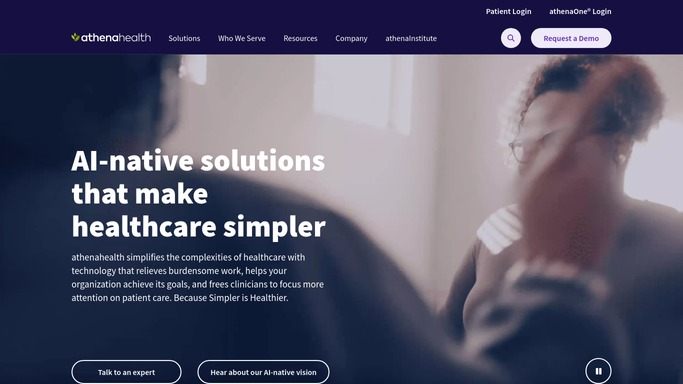
WebRun opens athenahealth to pull no-shows from yesterday's schedule. - Open athenahealth and navigate to the appointment schedule for the prior day
- Filter by appointment status: no-show and late-cancel for the cardiology department
- Capture patient name (internal staff use only, not shared externally), provider, appointment type, and scheduled time
- Count totals by provider and by appointment type
Done when All no-show and late-cancel appointments from yesterday are listed with provider and visit-type counts.
-
2
Slack - post the no-show digest to front desk
slack.com How to Automate Slack

WebRun opens Slack to post the no-show digest to front desk. - Post the no-show summary to the cardiology front-desk Slack channel
- Include total count, breakdown by provider, and a list of appointment types most missed
- Note any high-priority appointment types such as new-patient or post-procedure visits at the top
Done when The front desk has a Slack digest with yesterday's no-show count and breakdown ready to action.
How is each run configured?
Secure by default
Connect once, stays signed in
WebRun signs in once and keeps each session in a persistent environment, so every run picks up right where it left off.
Every action is checked against this policy before it runs.
Questions, answered
Does it send anything to patients who no-showed?
No. WebRun only posts an internal Slack digest for your front-desk staff. Any rebook outreach to the patient is handled by your team after reviewing the list, keeping patient communication under human control.
Can it track no-show trends over time?
The daily Slack posts build a running record your team can review. For trend analysis, pair this template with a Google Sheets logging step to accumulate data across weeks and months.
What if the schedule has not been fully updated by 7:30 AM?
You can shift the run time in WebRun settings. Most practices find 7:30 AM gives athenahealth overnight processing time while still landing before the first staff arrival.
Related templates
Put this on autopilot.
Turn it on in minutes - or have our team set it up for you.