Stop paying for backups on retired laptops
Every Monday, WebRun signs into Carbonite, lists the subscriptions and seats you pay for, matches each against the computers still backing up, posts the mismatches to Slack with renewal dates and amounts, and sends the headline saving to WhatsApp.
- No credit card
- Under $0.01 per run
- Cancel anytime
How do I check I am not paying for backup seats we no longer use?
Every Monday, WebRun signs into Carbonite, lists the subscriptions and seats you pay for, and matches each one against the computers still backing up. It posts the seats attached to retired machines to Slack, with the renewal date and amount, and sends the headline to WhatsApp.
- Renewals stop paying for hardware nobody has
- Every seat is tied to a machine with a real last backup date
- The unused seat count is known weeks before the renewal date
Built for office managers · IT admins · small business owners · finance teams
What does WebRun do on every run?
The exact actions WebRun takes, in order - in plain language, so you can adjust anything.
-
WebRun signs in and gets to work
Opens
www.carbonite.comin a real browser with your saved login - no setup, no API keys. -
1
Carbonite - match seats against computers
carbonite.com
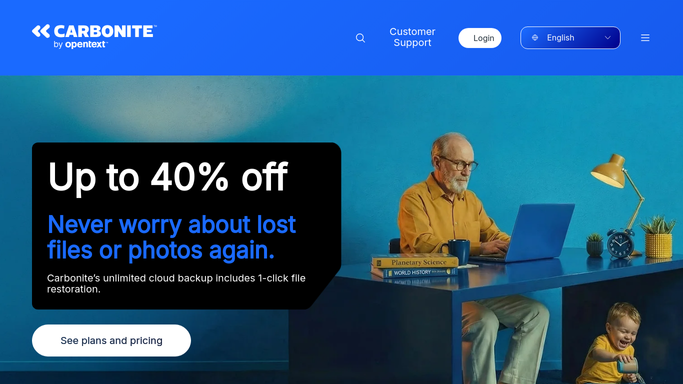
WebRun opens Carbonite to match seats against computers. - Sign in to Carbonite and list every subscription and the seats each one covers
- List the computers registered against each plan, with the last time each backed up
- Match seats to computers and flag any seat with no active machine attached
- Note the renewal date and amount on every subscription
Done when Every paid seat is matched to a live computer, or flagged as unused.
-
2
Slack - post the reconciliation
slack.com How to Automate Slack

WebRun opens Slack to post the reconciliation. - Post the reconciliation: seats paid for, seats in use, and the ones with no machine behind them
- Show the renewal date and amount for each subscription so the decision has a deadline
- Flag machines that have not backed up in weeks as candidates to retire
- Leave cancelling to a person. WebRun never changes a plan or cancels a subscription
Done when The team has a seat by seat reconciliation with renewal dates.
-
3
WhatsApp - send the renewal headline
whatsapp.com How to Automate WhatsApp

WebRun opens WhatsApp to send the renewal headline. - Send the internal team group one line: seats paid, seats used, and the next renewal date
- Name the amount tied up in seats with no machine attached
- Repeat the message only when the numbers change, so the group stays quiet otherwise
Done when The owner knows the unused seat count before the renewal lands.
How is each run configured?
Secure by default
Connect once, stays signed in
WebRun signs in once and keeps each session in a persistent environment, so every run picks up right where it left off.
Every action is checked against this policy before it runs.
Questions, answered
Will it cancel a subscription or remove a computer?
No. WebRun never cancels a plan, drops a seat, removes a computer, or deletes a backup. It reports the mismatch and the renewal date, and you make the change.
How does it know a machine is retired?
It reads the last successful backup date for every registered computer, so a machine that stopped weeks ago is flagged as a candidate rather than assumed dead.
Does it touch any backed up files?
No. It reads the account and device list only. Your backed up files are never opened, downloaded, restored, or deleted by this run.
Related templates
Put this on autopilot.
Turn it on in minutes - or have our team set it up for you.