Spot reps falling behind quota while the quarter can still be saved
Every Monday, WebRun opens CaptivateIQ, reads each rep's quota and attainment to date, compares it with the pace expected this far into the quarter, builds a watchlist of everyone falling behind, posts it to Microsoft Teams, and drafts a short coaching note per rep for the manager to review and send.
- No credit card
- Under $0.01 per run
- Cancel anytime
How do I spot which sales reps are behind quota pace early?
Every Monday WebRun opens CaptivateIQ, reads each rep's quota and attainment to date, and compares it with the pace expected this far into the quarter. It posts a watchlist of everyone behind to Microsoft Teams and drafts a private coaching note per rep in Gmail, so the conversation happens in week four.
- Reps behind pace are visible in week four, not week twelve
- Each gap is shown in percentage points against expected pace, not just raw revenue
- Coaching notes are written and waiting, so the follow-up actually happens
Built for sales managers · revenue operations · sales compensation teams · SaaS sales leaders
What does WebRun do on every run?
The exact actions WebRun takes, in order - in plain language, so you can adjust anything.
-
WebRun signs in and gets to work
Opens
app.captivateiq.comin a real browser with your saved login - no setup, no API keys. -
1
CaptivateIQ - read quota and attainment
captivateiq.com
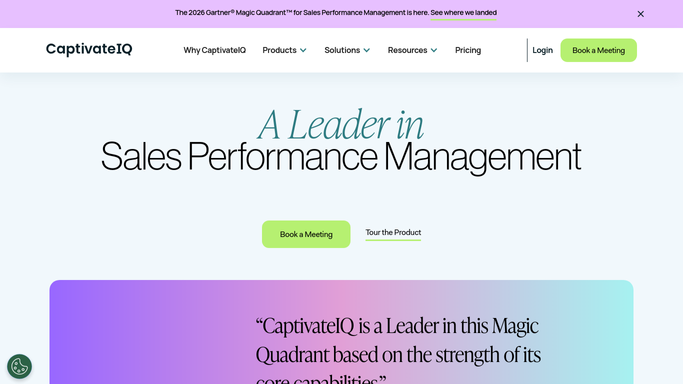
WebRun opens CaptivateIQ to read quota and attainment. - Open CaptivateIQ and read each rep's quota for the current period alongside attainment to date
- Work out the pace expected by this week of the quarter and the gap against it
- Note which compensation plan each rep is on, because pace expectations differ by plan
Done when Every rep has an attainment figure and a gap against expected pace.
-
2
Microsoft Teams - post the watchlist
microsoft.com How to Automate Microsoft Teams

WebRun opens Microsoft Teams to post the watchlist. - Post the watchlist of reps below expected pace, biggest gap first
- Show attainment, expected pace and the gap in percentage points for each
- Include how each rep's gap moved since last Monday, so a recovery is visible
Done when The sales manager can see this week's quota risk list in Teams.
-
3
Gmail - draft the coaching notes
gmail.com How to Automate Gmail

WebRun opens Gmail to draft the coaching notes. - Draft a short, private note per rep on the watchlist with their own numbers only
- Keep the tone supportive and factual, with the gap and the weeks remaining
- Leave every note in Drafts. WebRun never emails a rep about their pay or performance on its own
Done when A coaching note sits in Drafts for each rep at risk.
How is each run configured?
Secure by default
Connect once, stays signed in
WebRun signs in once and keeps each session in a persistent environment, so every run picks up right where it left off.
Every action is checked against this policy before it runs.
Questions, answered
Will it email reps about their numbers without me?
No. Every coaching note is left in Gmail Drafts for the manager to read, edit and send. Only the internal Teams watchlist posts on its own.
Can reps see each other's attainment?
No. The Teams post goes to the manager channel you choose, and each drafted note contains only that rep's own figures.
Does it change quotas or commission records?
No. WebRun reads plans, quotas and attainment. Every figure in CaptivateIQ is left exactly as your comp team set it.
Related templates
Put this on autopilot.
Turn it on in minutes - or have our team set it up for you.